Create a Desktop Burger Menu
A Desktop Burger Menu is an overlay that slides on top of a website.
At the heart of Lay Theme is the Gridder. A website builder in your admin panel.
Easily arrange images, videos and texts. Add shadows, background colors, animations and more.
Bring your website to life: animate images, texts and other elements as they scroll into view.
Pick an animation style right in the Gridder — no code needed.
Create a Shop with WooCommerce and start selling your Prints, T-Shirts or anything.
Supports a flying sidecart and comes with many new settings for your shop´s look.
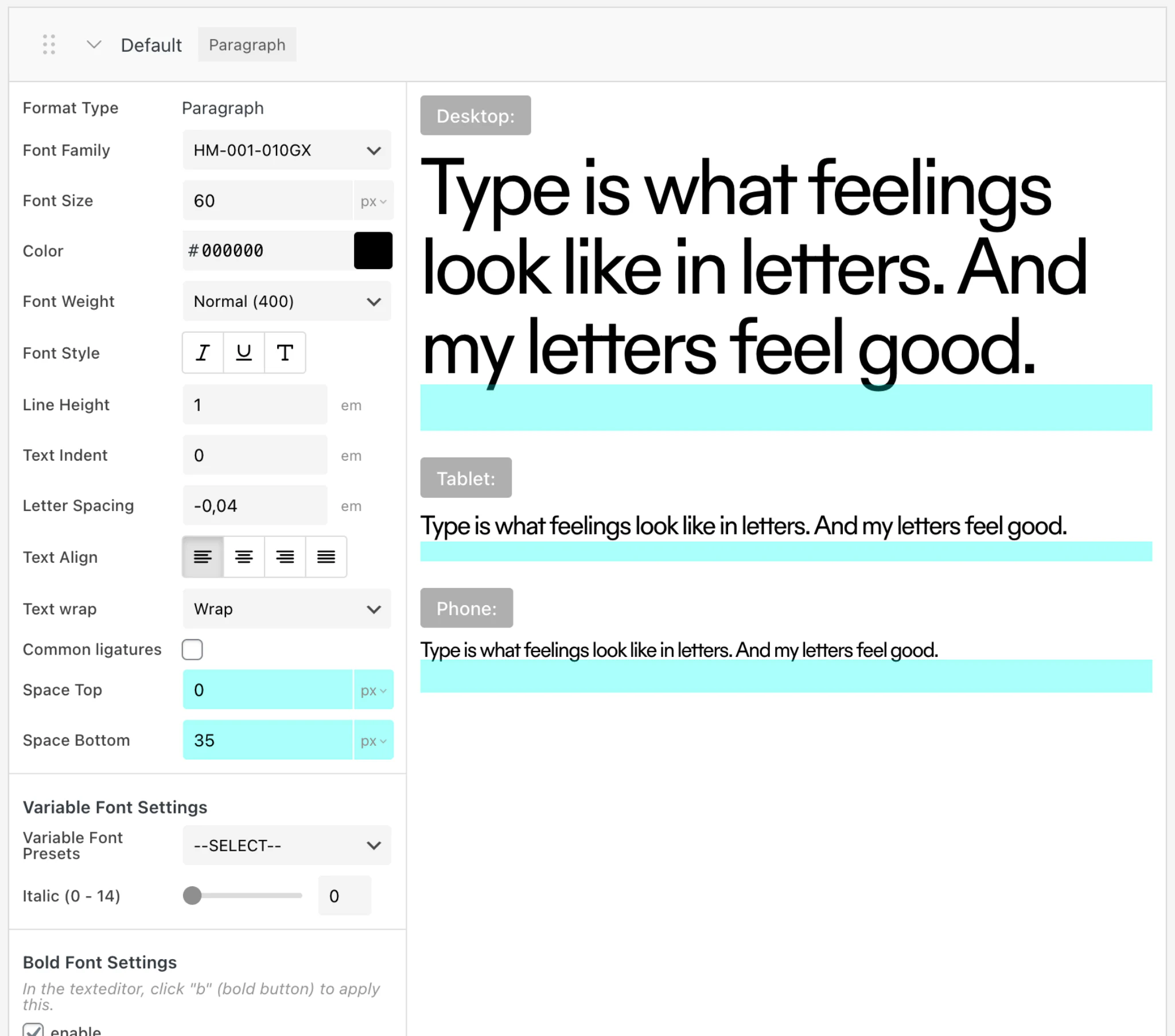
Create Textstyles and use them for all of your texts. Fontsizes can be set separately for desktop, tablet and phone.
Use any font as a webfont. Either upload a font-file or embed a webfont by <link> or <script> and CSS.
Supports Variable Fonts.
Find great fonts on blazetype.eu.
At the heart of Lay Theme is the Gridder. A website builder in your admin panel.
Easily arrange images, videos and texts. Add shadows, background colors, animations and more.
Bring your website to life: animate images, texts and other elements as they scroll into view.
Pick an animation style right in the Gridder — no code needed.
Create a Shop with WooCommerce and start selling your Prints, T-Shirts or anything.
Supports a flying sidecart and comes with many new settings for your shop´s look.
Create Textstyles and use them for all of your texts. Fontsizes can be set separately for desktop, tablet and phone.
Use any font as a webfont. Either upload a font-file or embed a webfont by <link> or <script> and CSS.
Find great fonts on blazetype.eu.
A Desktop Burger Menu is an overlay that slides on top of a website.
Scroll or drag around to explore your website's content with our new "Scroll Slider" Addon.
Increase your response time to less than 0.2 seconds.
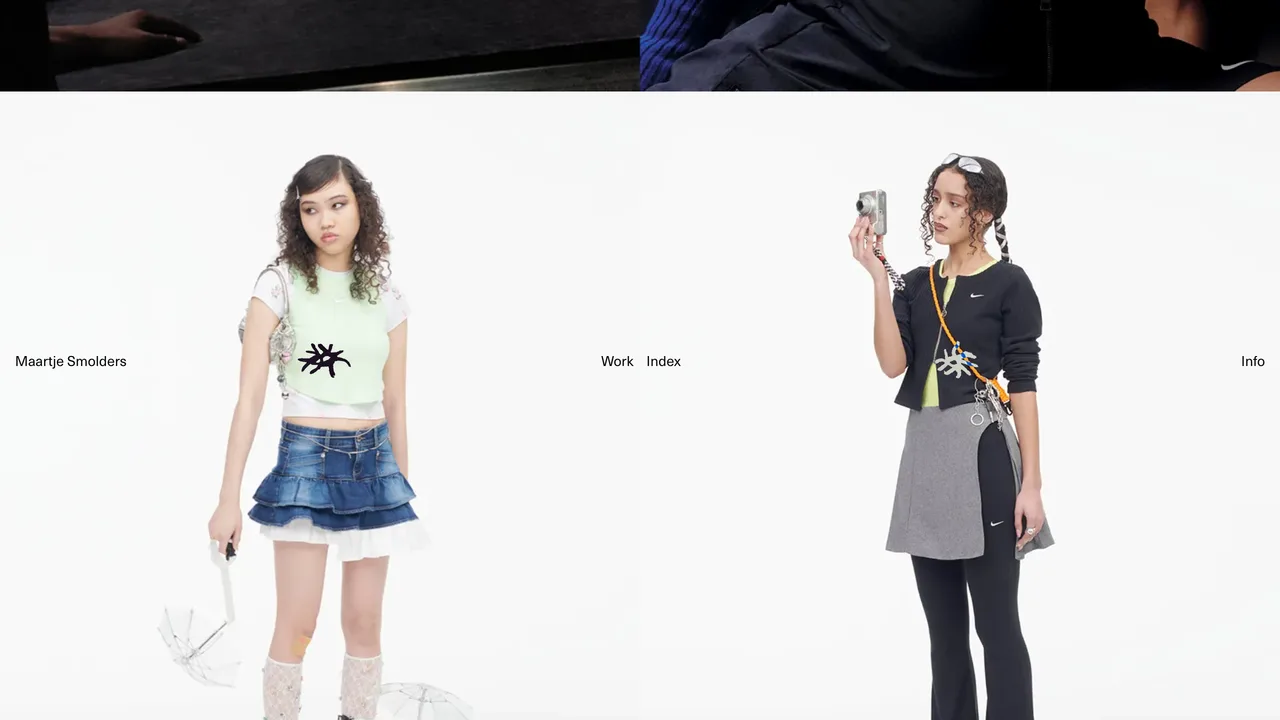
A splitscreen website is split into two, using custom CSS.
Use our free "3D Logo" Plugin.
With Lay Theme you pay once for the theme and only for webhosting. With most alternatives, you keep paying every month forever — on average 82% more over 5 years. Here’s what you’d pay:
| Option | One-time | Per Month | 1-Year Total | 5-Year Total |
|---|---|---|---|---|
| Lay Theme Single + Netcup Webhosting 1000 | €59 | €2.26 | ~€86 | ~€195 |
| Framer Basic | €0 | ~€9 | ~€108 | ~€540 |
| Squarespace Basic | €0 | ~€15 | ~€180 | ~€900 |
| Wix Premium | €0 | ~€17 | ~€204 | ~€1,020 |
| Squarespace Core | €0 | ~€21 | ~€252 | ~€1,260 |
| Framer Pro | €0 | ~€28 | ~€336 | ~€1,680 |
| Option | One-time | Per Month | 1-Year Total | 5-Year Total |
|---|---|---|---|---|
| Lay Theme Pro + Netcup Webhosting 2000 | €89 | €3.39 | ~€130 | ~€292 |
| Framer Basic × 3 | €0 | ~€28 | ~€336 | ~€1,680 |
| Squarespace Basic × 3 | €0 | ~€45 | ~€540 | ~€2,700 |
| Wix Premium × 3 | €0 | ~€51 | ~€612 | ~€3,060 |
| Squarespace Core × 3 | €0 | ~€64 | ~€772 | ~€3,860 |
| Framer Pro × 3 | €0 | ~€84 | ~€1,008 | ~€5,040 |
| Option | One-time | Per Month | 1-Year Total | 5-Year Total |
|---|---|---|---|---|
| Lay Theme Studio + Netcup Webhosting 8000 | €219 | €11.07 | ~€352 | ~€883 |
| Framer Basic × 10 | €0 | ~€93 | ~€1,120 | ~€5,600 |
| Squarespace Basic × 10 | €0 | ~€149 | ~€1,800 | ~€9,000 |
| Wix Premium × 10 | €0 | ~€170 | ~€2,040 | ~€10,200 |
| Squarespace Core × 10 | €0 | ~€214 | ~€2,580 | ~€12,900 |
| Framer Pro × 10 | €0 | ~€280 | ~€3,360 | ~€16,800 |
Approximate prices in EUR. Toggle "19% VAT" for German pricing. Other EU countries may have different VAT rates added at checkout — this applies to both Lay Theme and the webhosting cost shown. Webhosting prices are Netcup — one of the few webhosts without hidden price increases after the first year. The 3 Websites scenario uses Netcup Webhosting 2000 (3 domains), the 10 Websites scenario uses Netcup Webhosting 8000 (12 domains, 1 TB SSD) — one plan can host all your sites.