From Figma to an Editable
WordPress Website
Design in Figma, let AI build it
and manage the content in Lay Theme.
Start with your design
Finish the whole website in Figma, or design only the parts that need something more custom. You can combine custom-built elements with normal Lay Theme layouts.
Use Figma Dev Mode
Select the part you want to build in Figma Dev Mode and copy its URL. Figma Dev Mode requires a Figma subscription.
Connect Claude or Codex to Lay
AI Mode connects the Claude or ChatGPT/Codex desktop app to your WordPress website. Give the AI your Figma Dev Mode link and explain how the element should work.
Create editable content
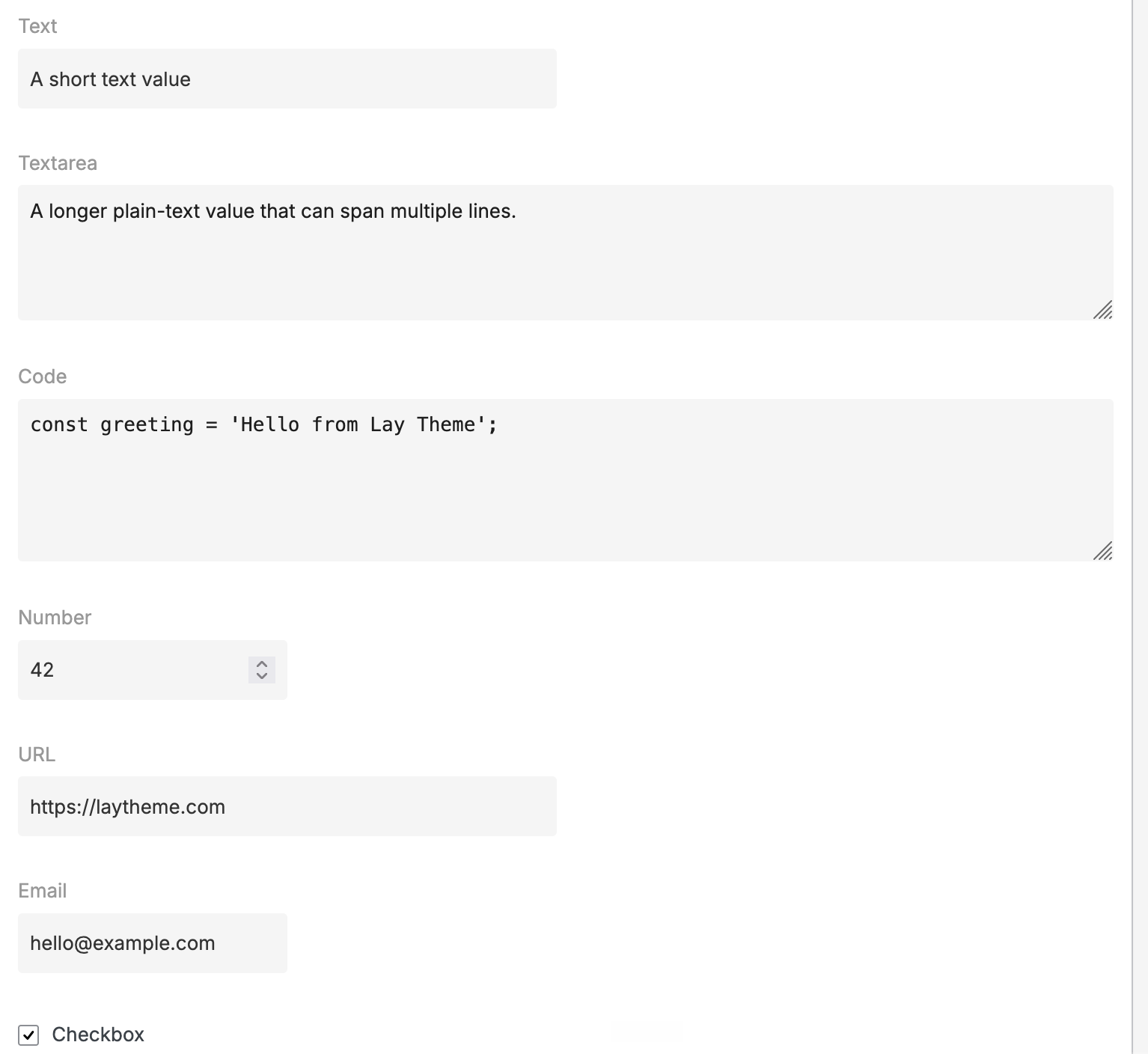
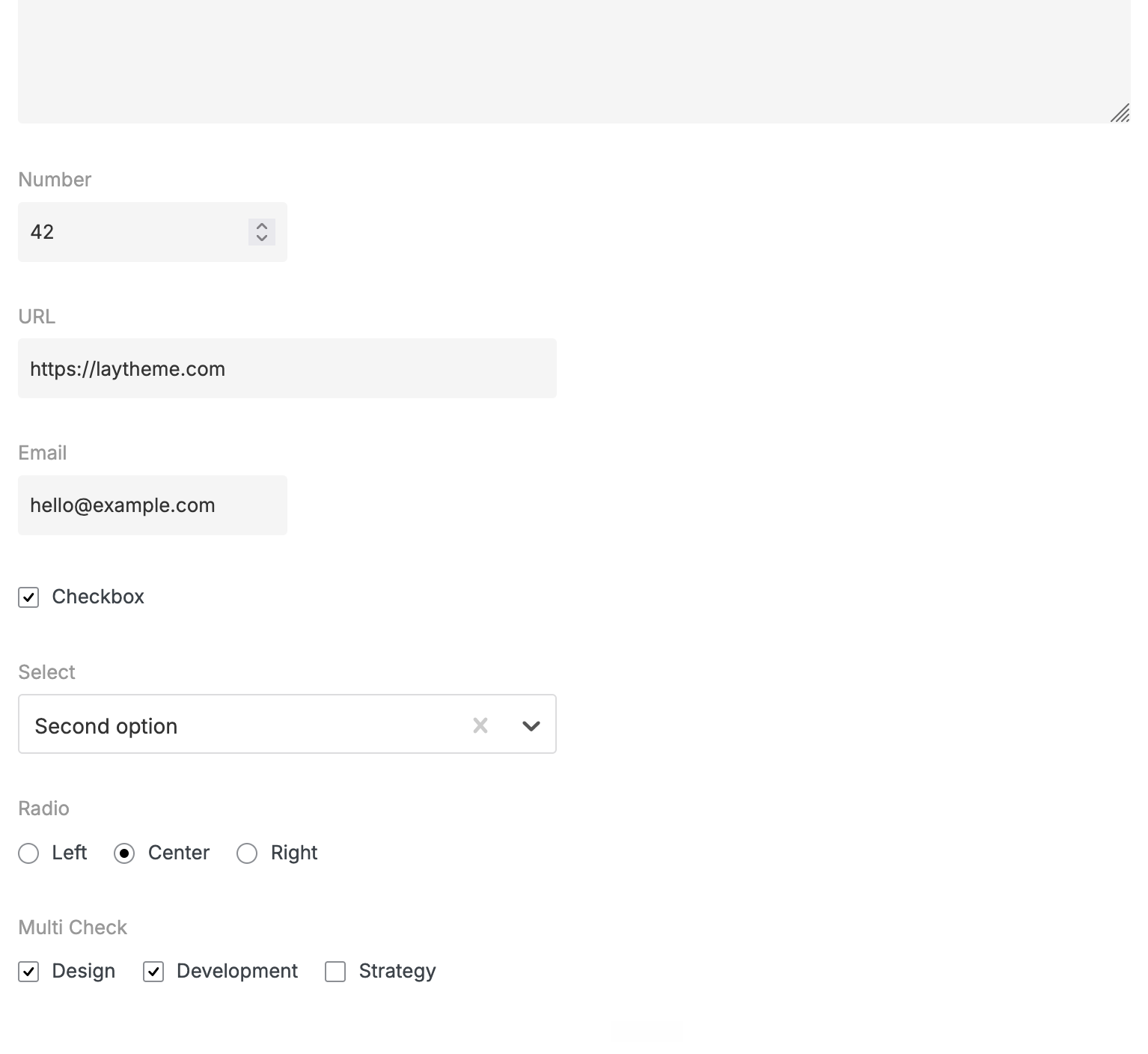
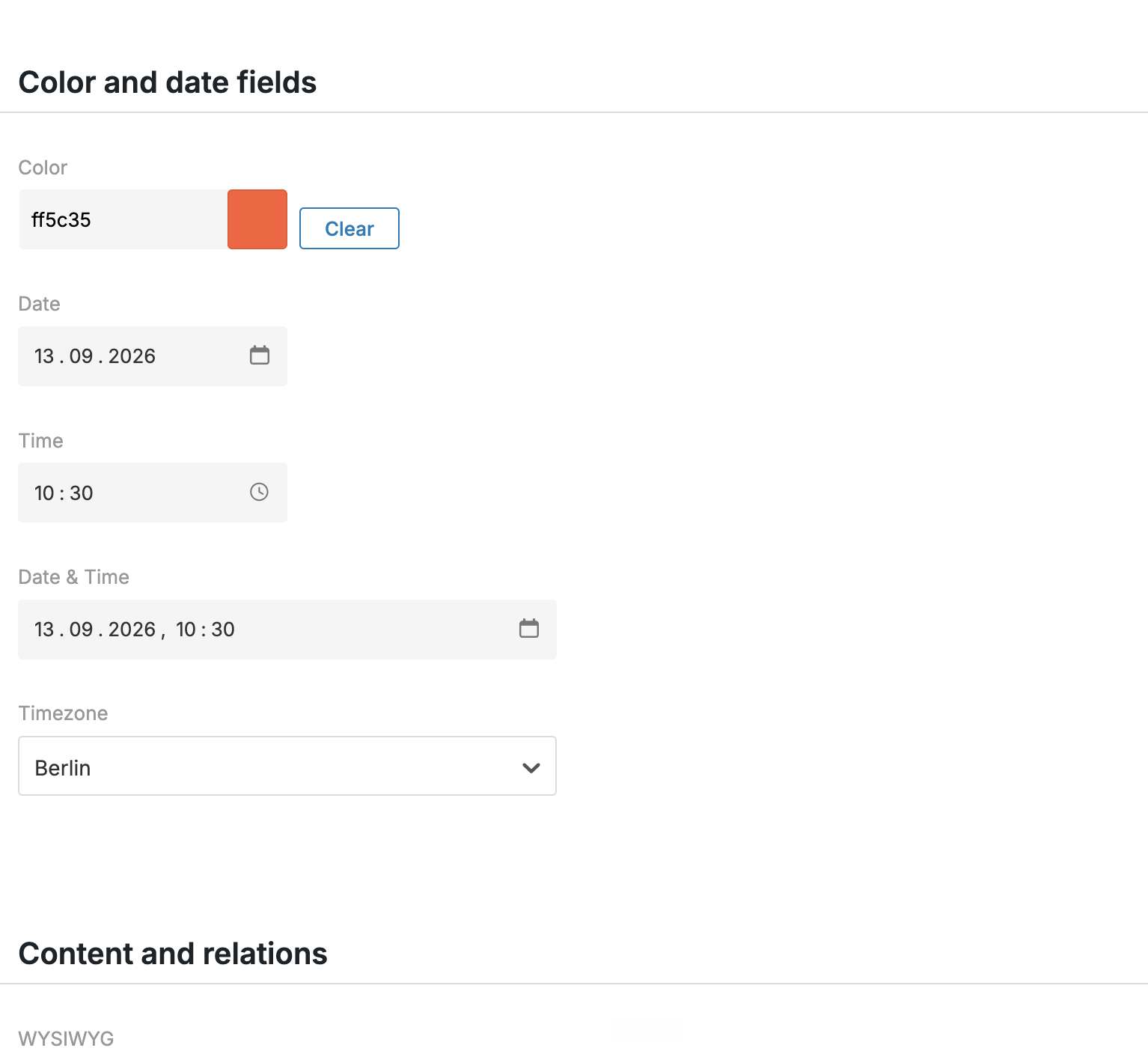
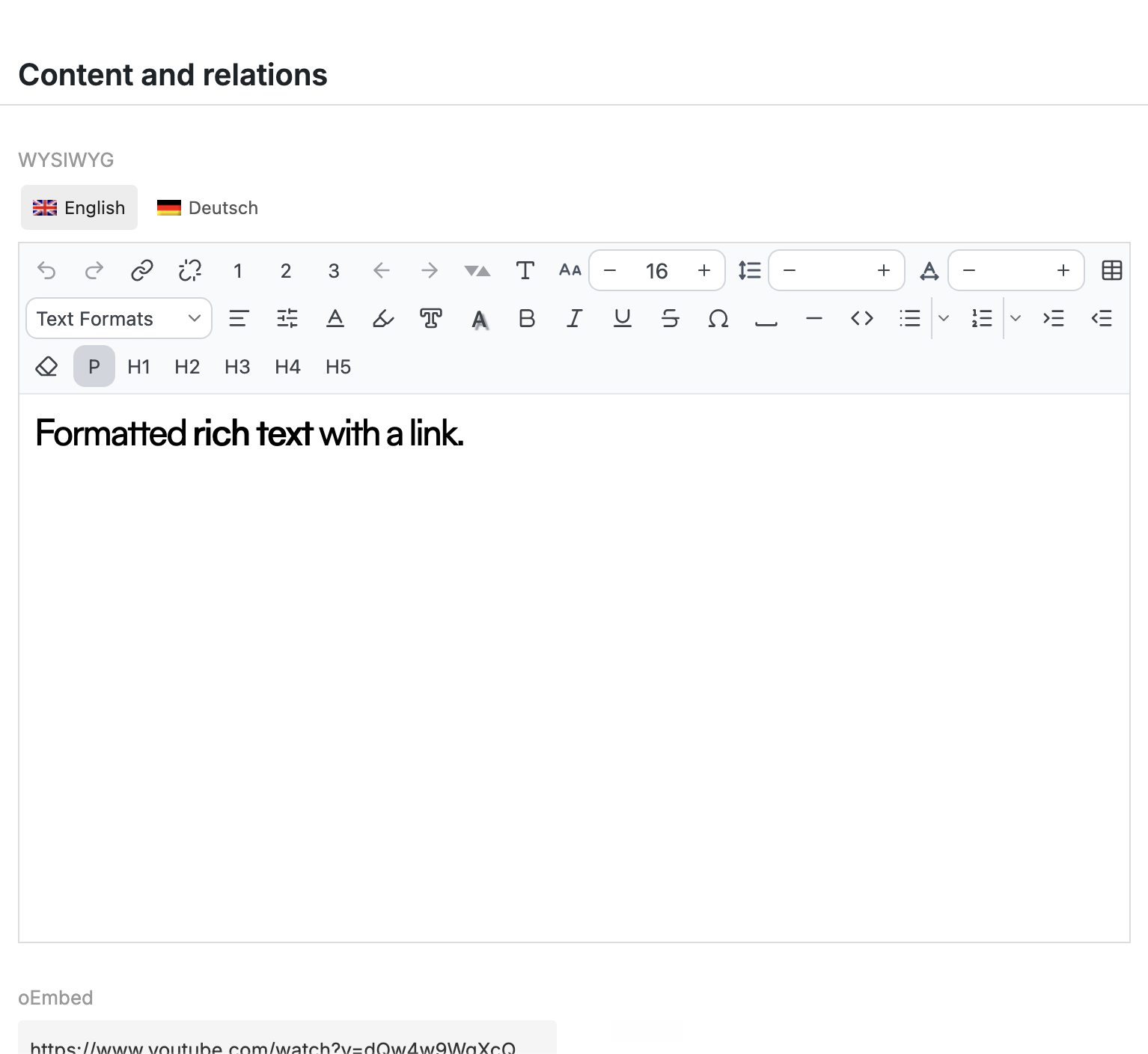
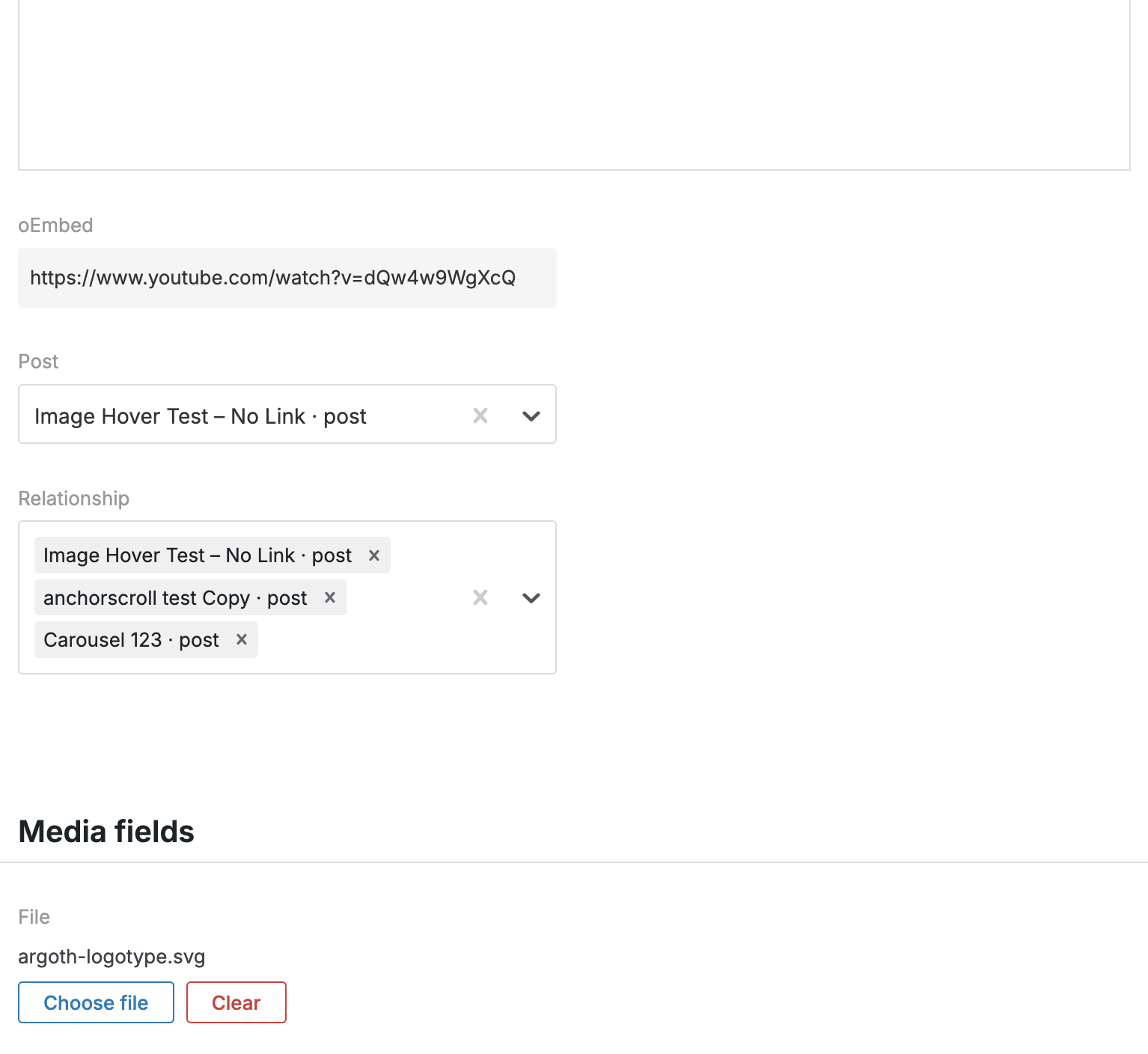
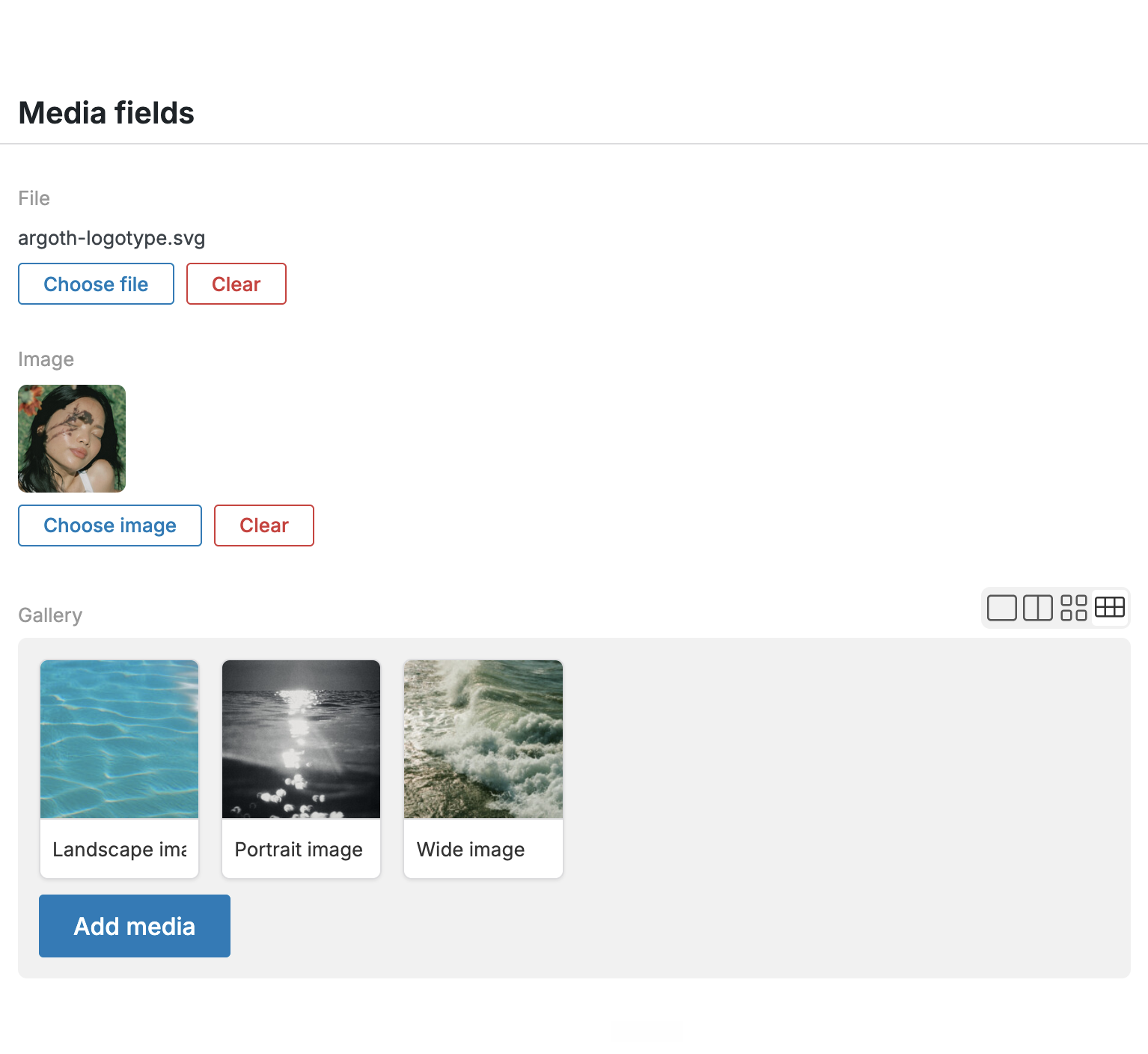
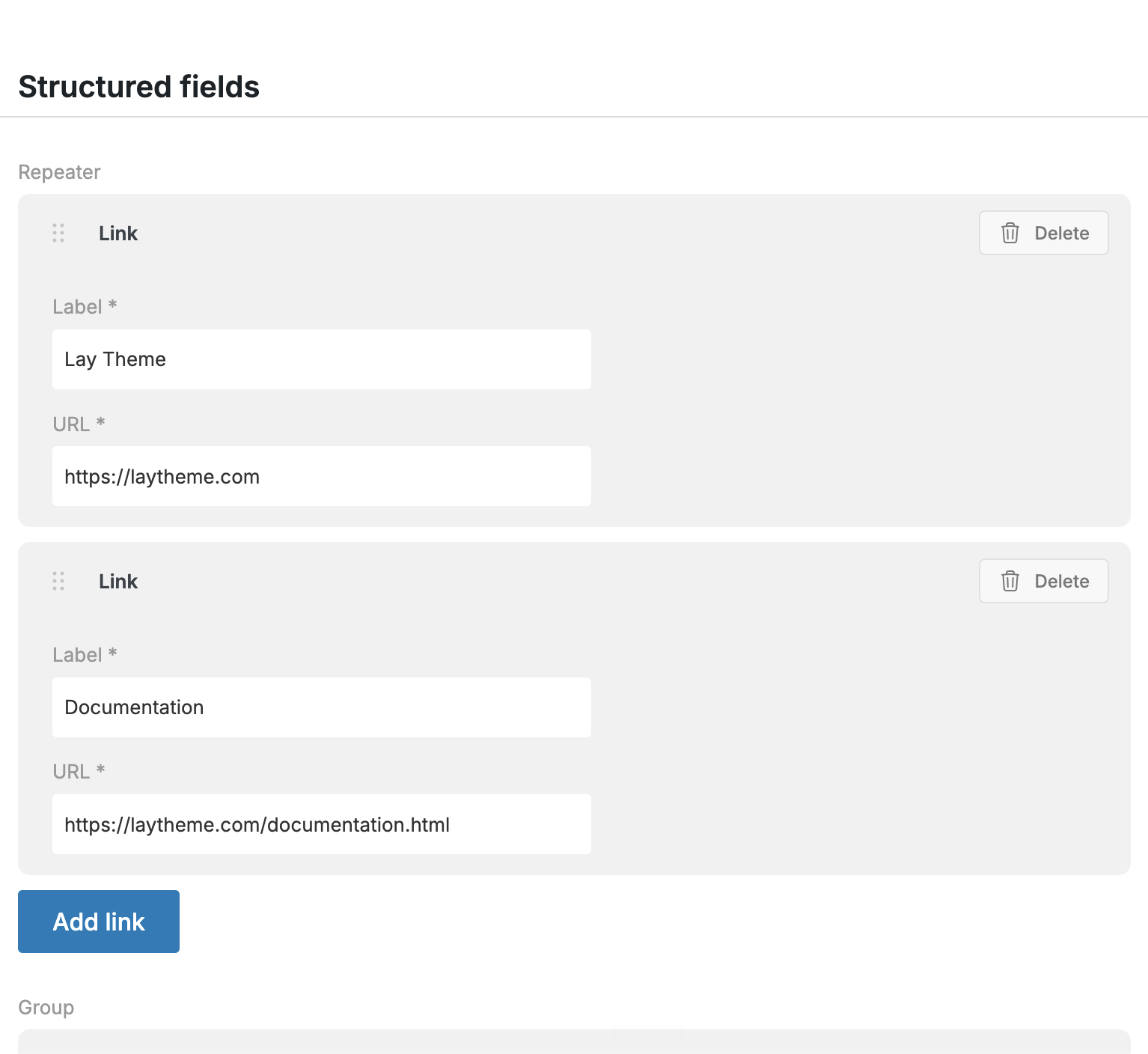
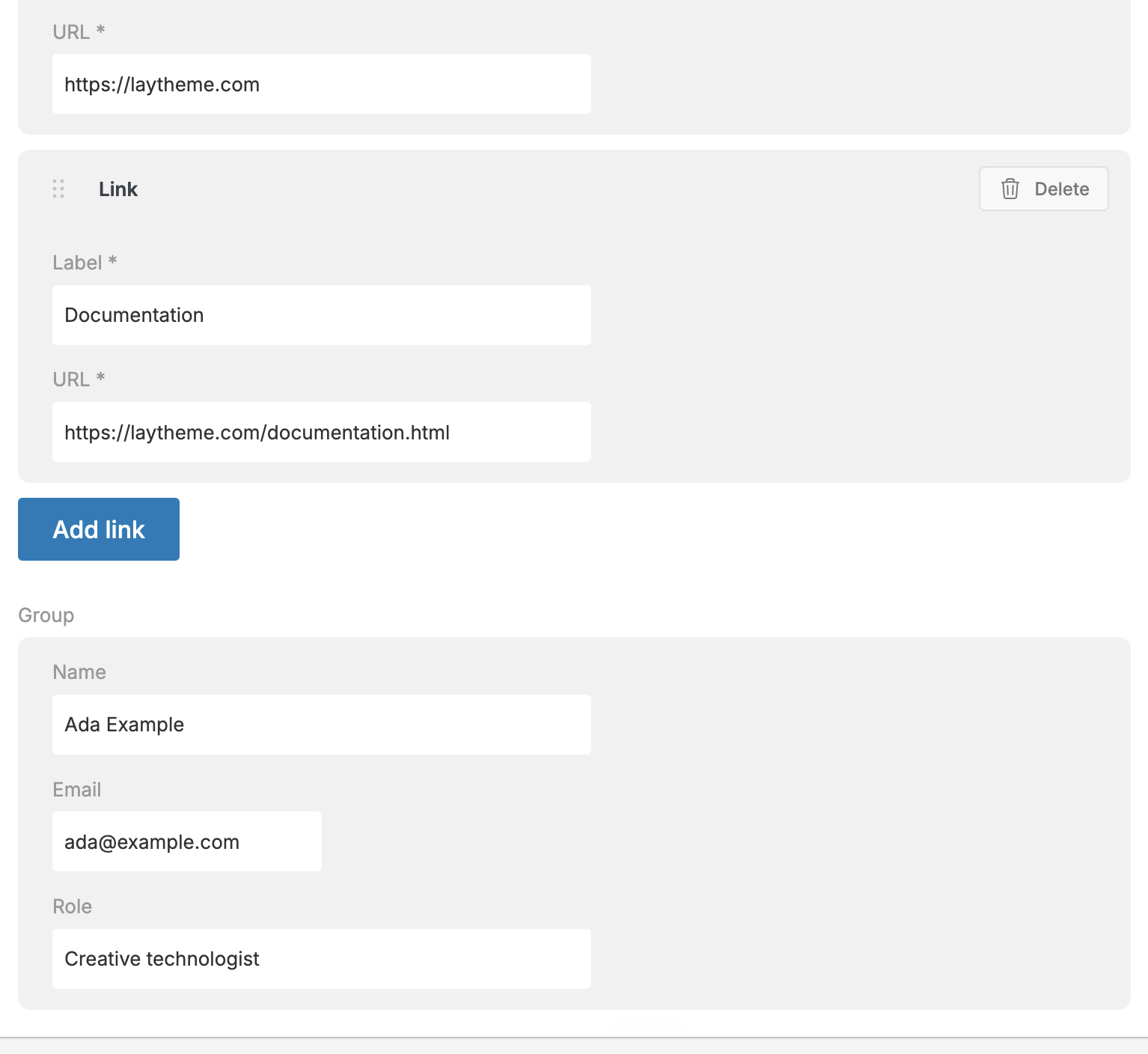
AI Mode can create the Custom Element, its fields and its code. Your client can edit exactly what they need through simple fields, without messing up the design.
Check out the available fields:
Keep using the Gridder
The workflow does not replace the normal Lay Theme workflow. Use the Gridder for the rest of the page and add custom elements only where the project needs them.
