Connect Claude to your WordPress website
Lay Theme AI Mode connects the Claude desktop app to your WordPress website. Claude can work with the tools and content available in Lay Theme instead of only giving you code to copy and paste.
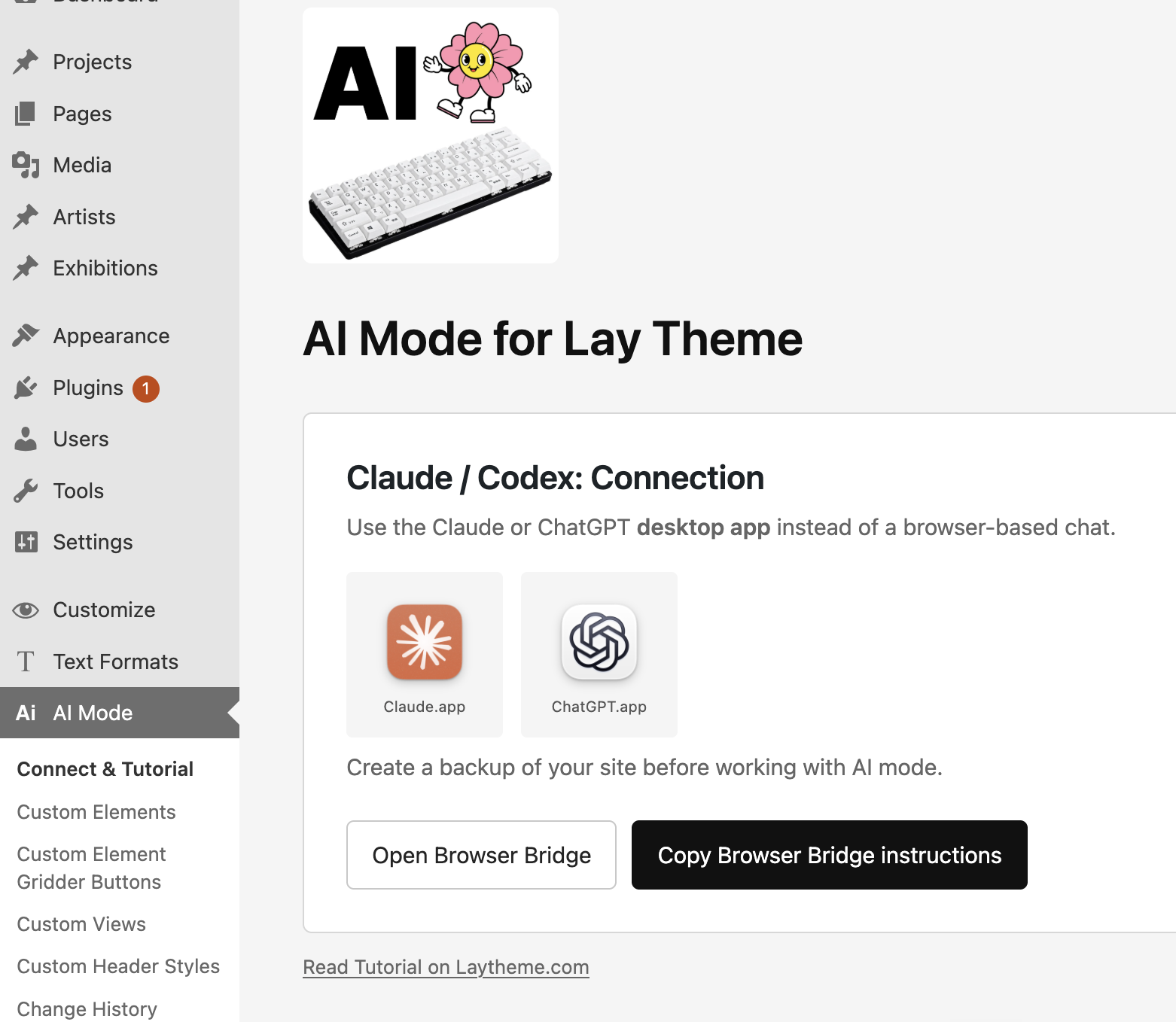
From Claude to an editable website
Tell Claude what you want to build, how it should look and which content should stay editable. For example: a section with two image and text cards, editable headings, descriptions, images, tags and colors. Claude can create the Custom Element, its fields and the related code.
 Connect Claude to Lay↓Let Claude build the element↓
 Edit the content in WordPress↓Use it in the Gridder
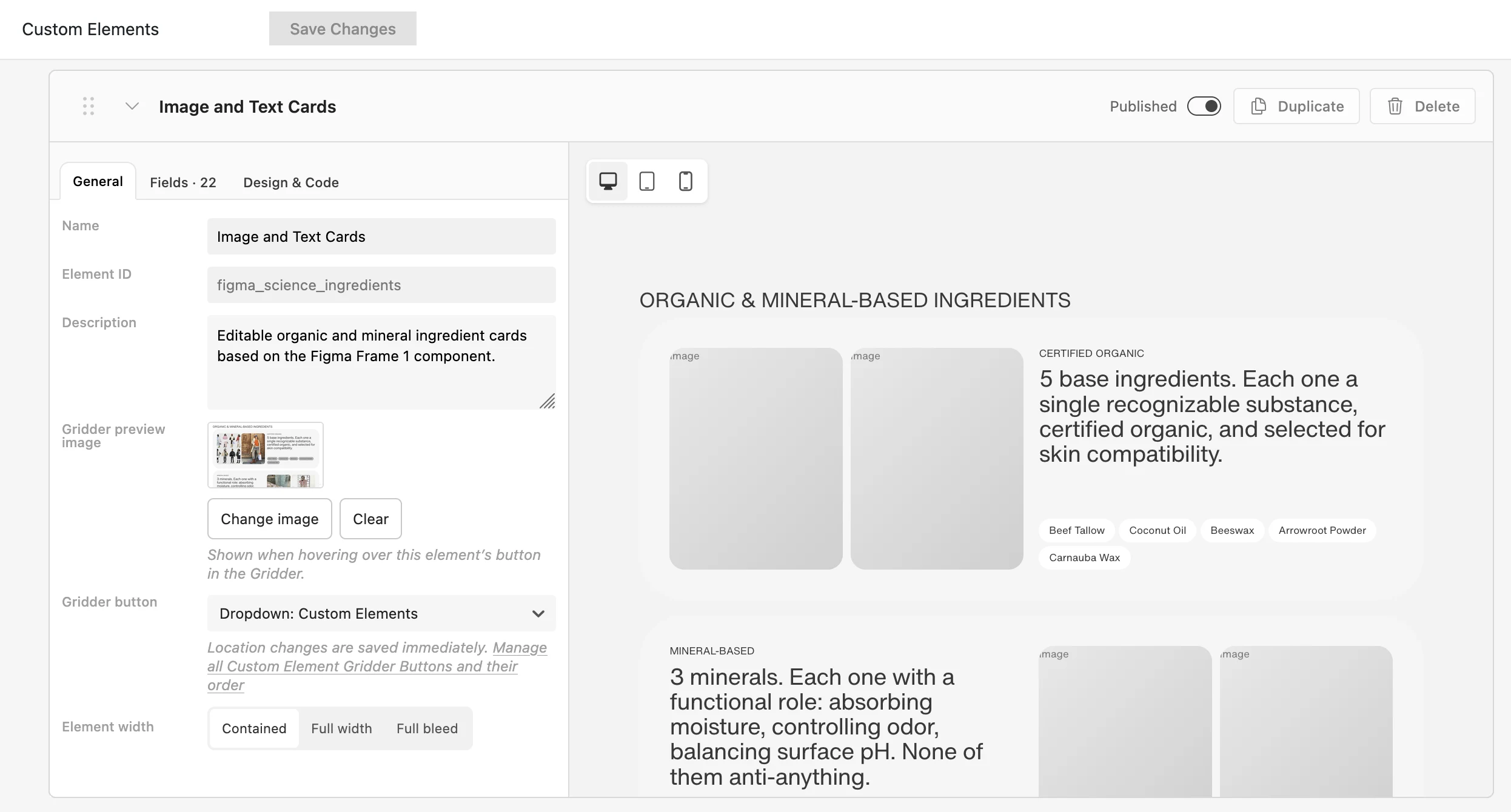
Claude builds the custom element
Start with a clear description of the layout and the content you want to change later. Build step by step, review the preview and refine the result together with Claude.
This Image and Text Cards example has 22 editable fields. The Custom Element brings its layout, code and content fields together, with a responsive preview in WordPress.
The content stays editable
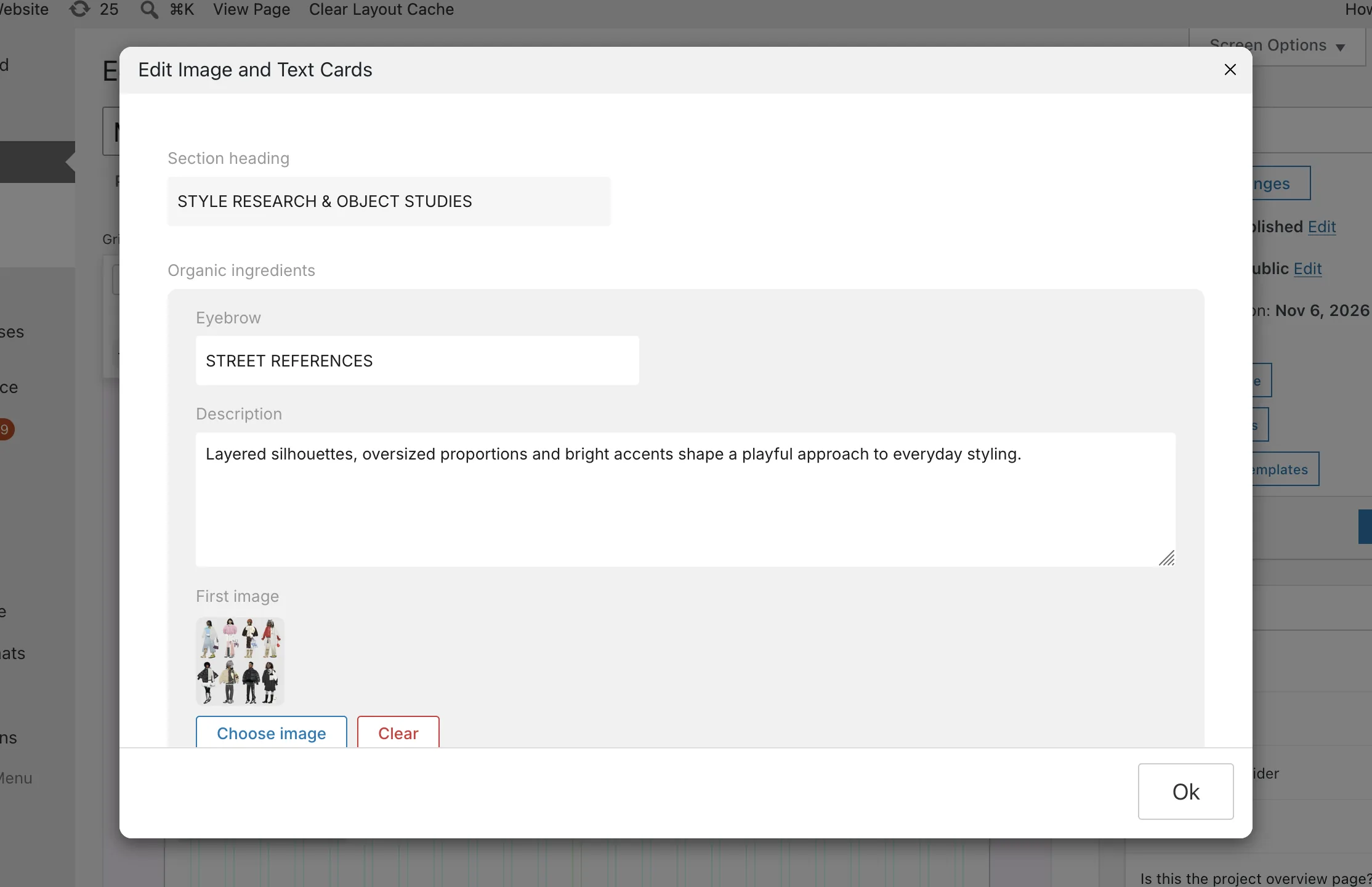
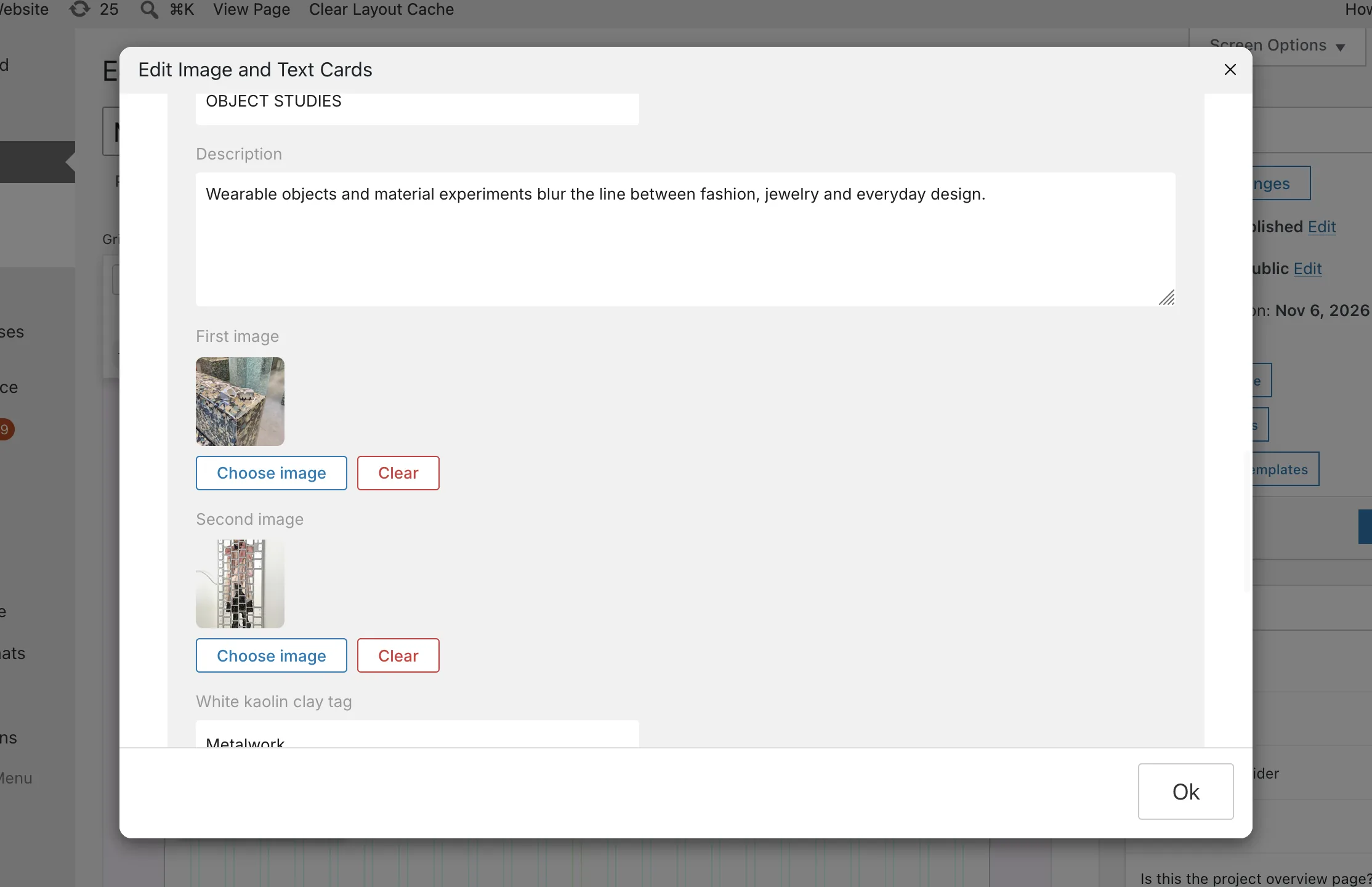
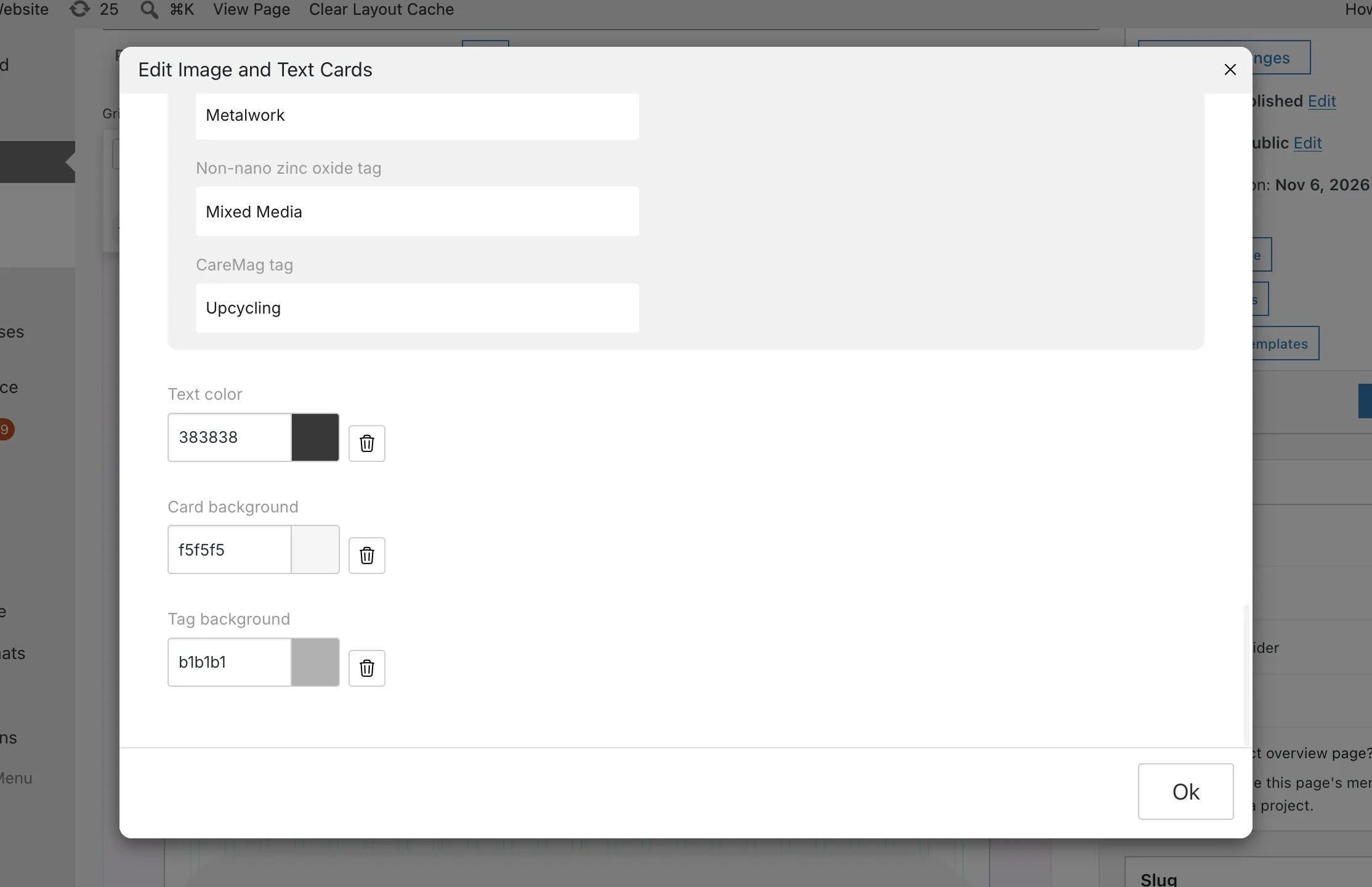
When you insert the element, its edit form opens first. Change the section heading, card headings, descriptions, images, tags and colors through simple fields. Your client can keep updating this content in WordPress while the layout stays intact.
Use it together with the Gridder
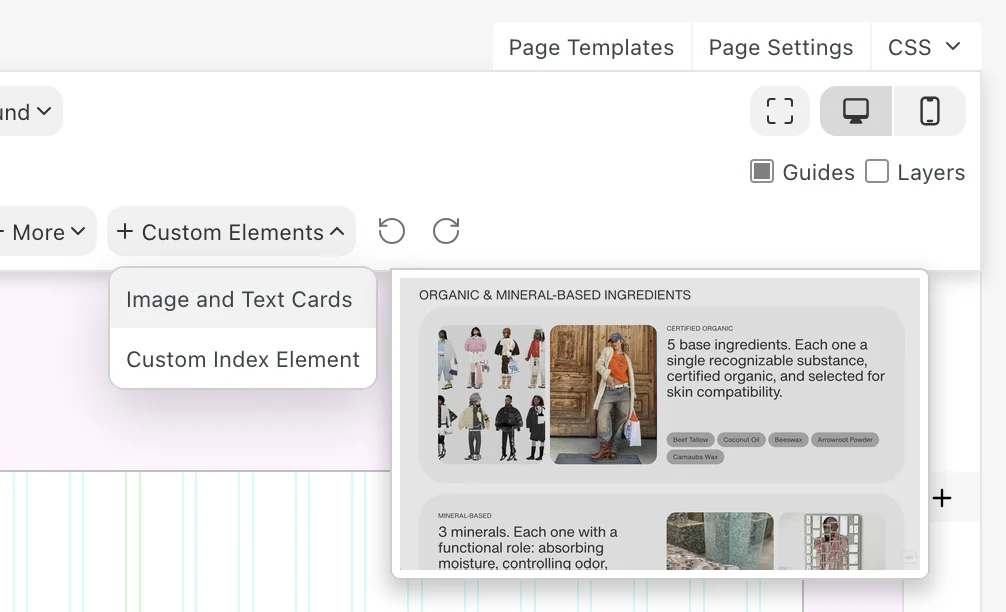
Choose Image and Text Cards from the Gridder's Custom Elements menu. Its preview helps you find the right element.
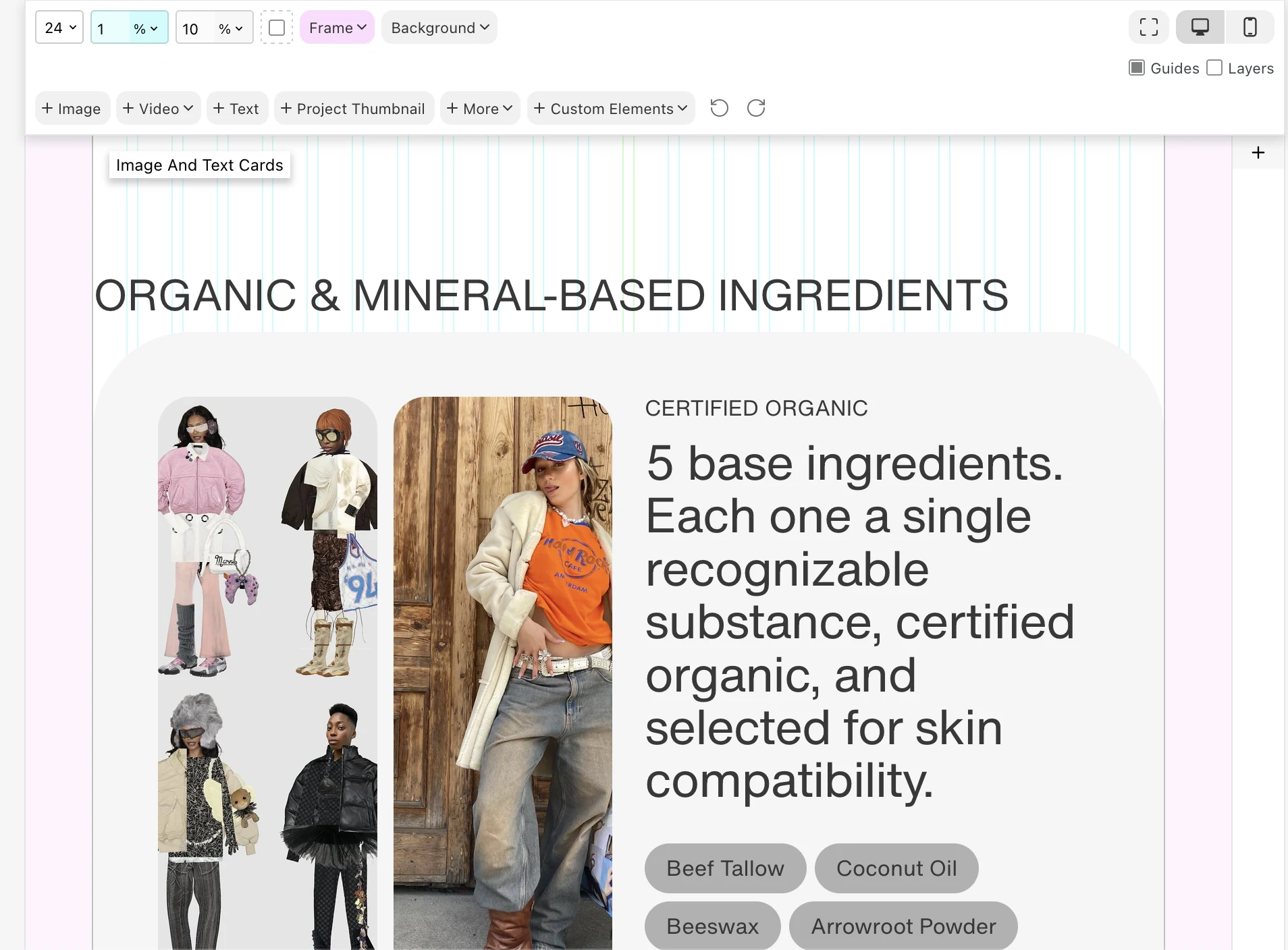
After editing the content and confirming with OK, the complete element appears in the Gridder. Combine it with normal Lay Theme elements to build the rest of the page.
Already have a design in Figma? You can give Claude that design as a reference too. See Figma to WordPress for that workflow. AI Mode is optional: use it for the parts of a project that need something more tailored.
A real website built with AI Mode
City Advents Zauber was built entirely with Lay Theme AI Mode. It shows how a tailored design and an editable WordPress backend can work together.

More things Claude can do in Lay Theme
Create Custom Views and Custom Fields, turn an existing Gridder layout into an edit form, migrate project content or reuse a finished layout to create more pages. Start with one example, check the result and then scale the workflow.
Resources
Connect Claude to Lay Complete AI Mode Tutorial Gallery Website AI Tutorial Figma to WordPress Build a Website with AI Get Lay Theme