Connect Claude to your WordPress website
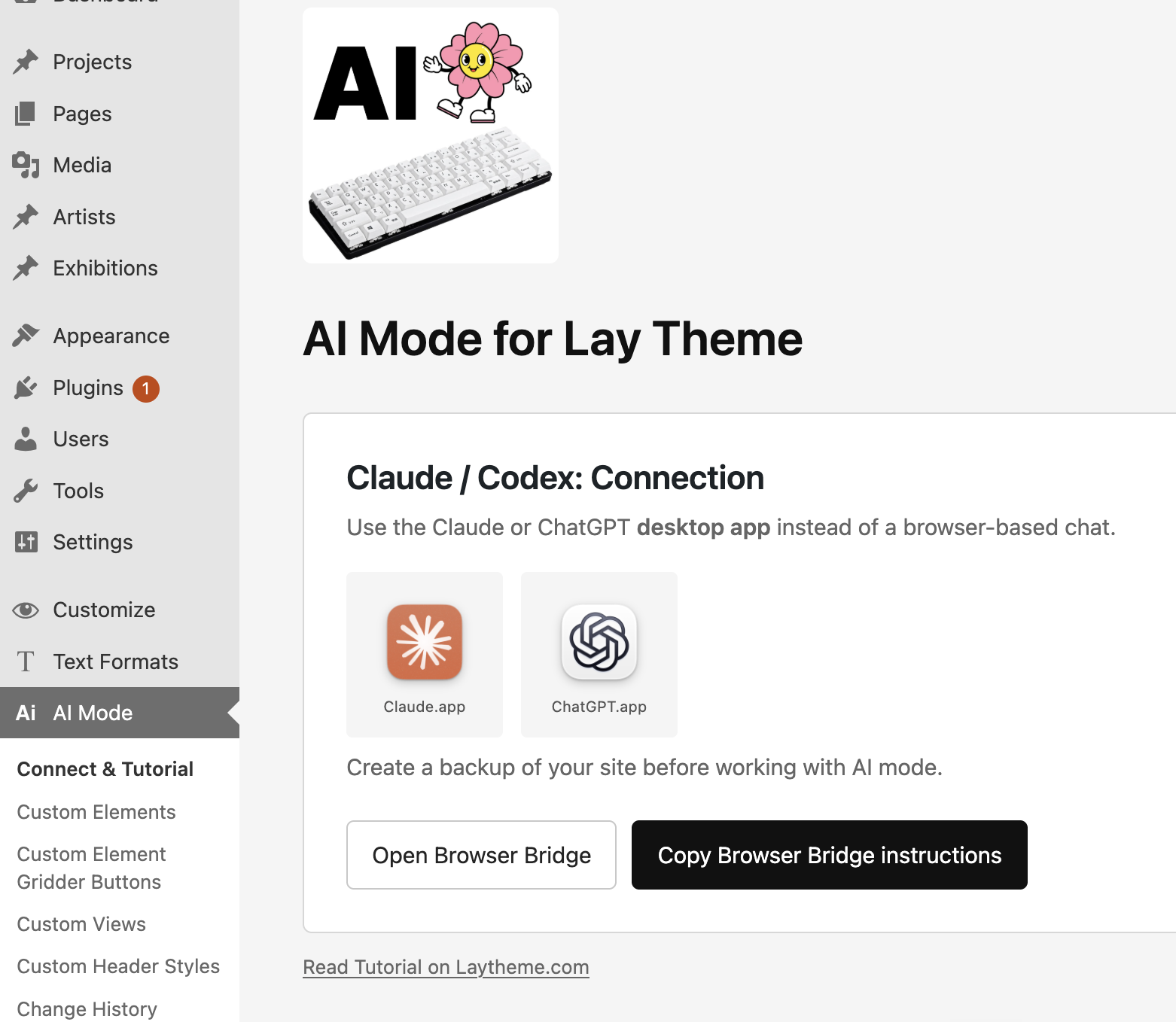
Lay Theme AI Mode connects the Claude desktop app to your WordPress website. Claude can work with the tools and content available in Lay Theme instead of only giving you code to copy and paste.
From Claude to an editable website
Describe what you want to build or give Claude a Figma Dev Mode link. Decide which text, images, links and other content should stay editable. Claude can create the Custom Element, its fields and the related code.
 Connect Claude to Lay↓Let Claude build the element↓
 Use it in the Gridder↓Manage the content in WordPress
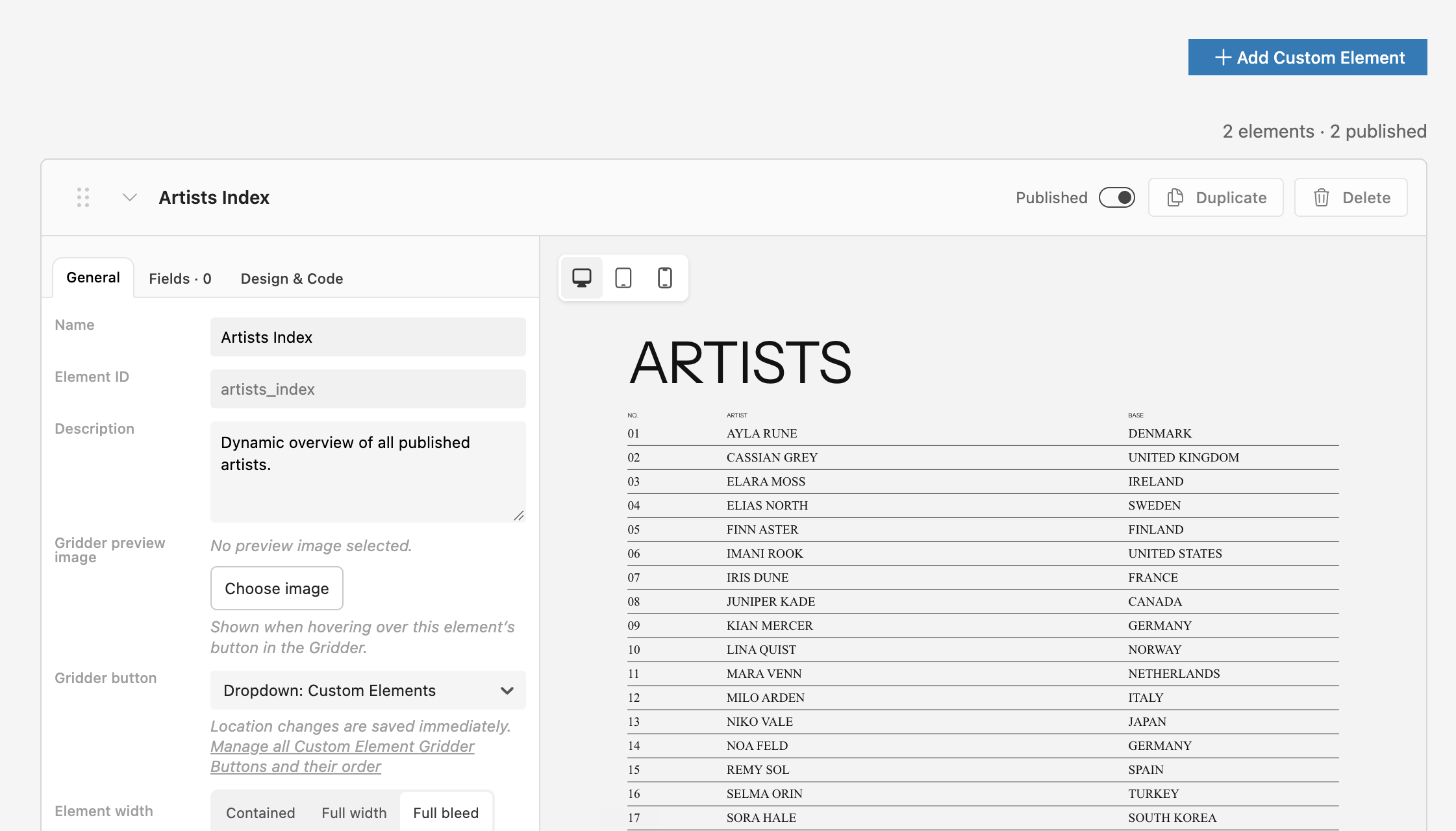
Claude builds the custom element
AI Mode gives Claude the context it needs to create a tailored element for your design. Build step by step, review the result and continue refining it together with Claude.
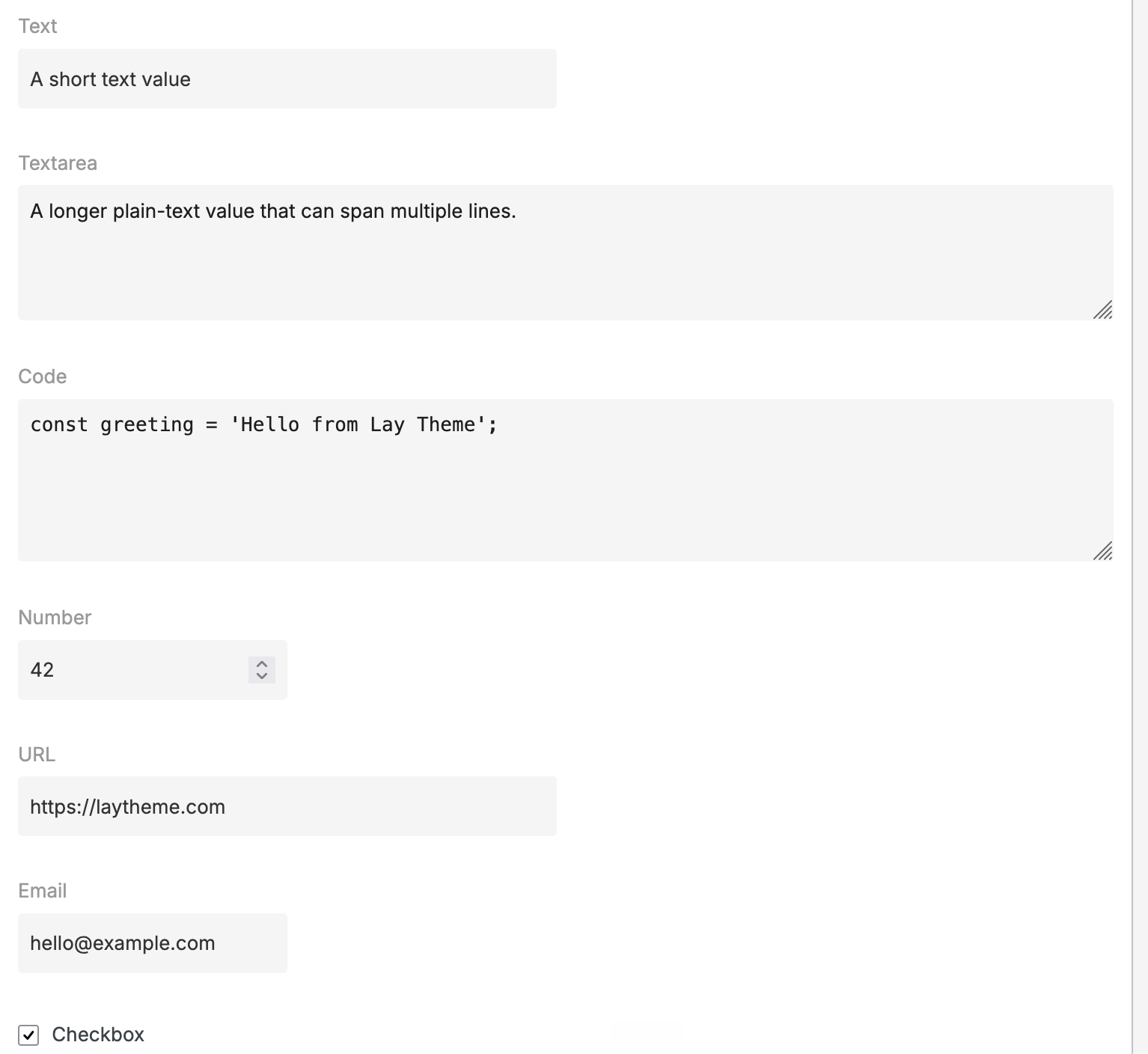
The content stays editable
The result is not just static AI-generated HTML. Claude can create simple WordPress fields for exactly the content your client should change, while the design and interaction stay intact.
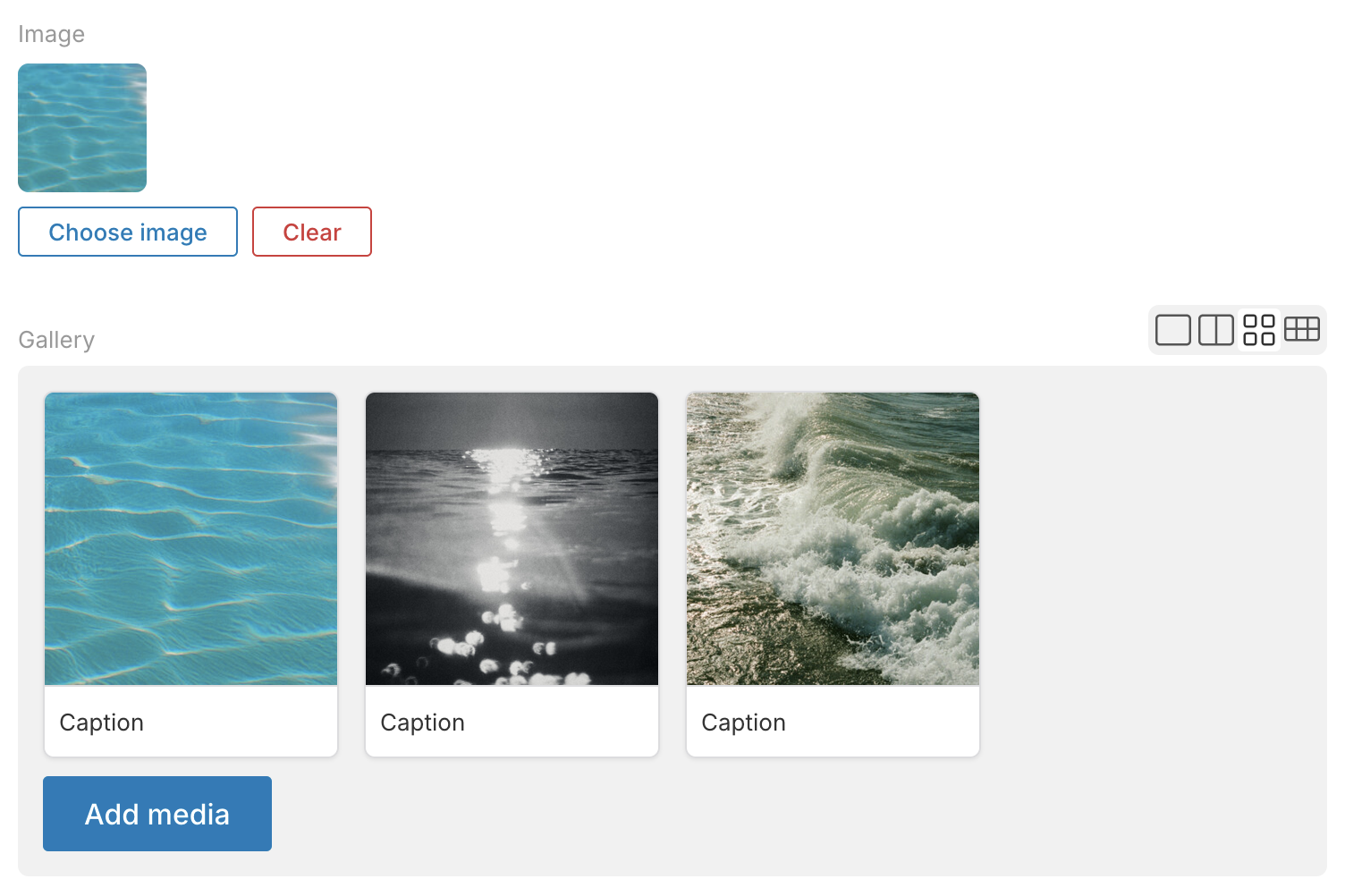
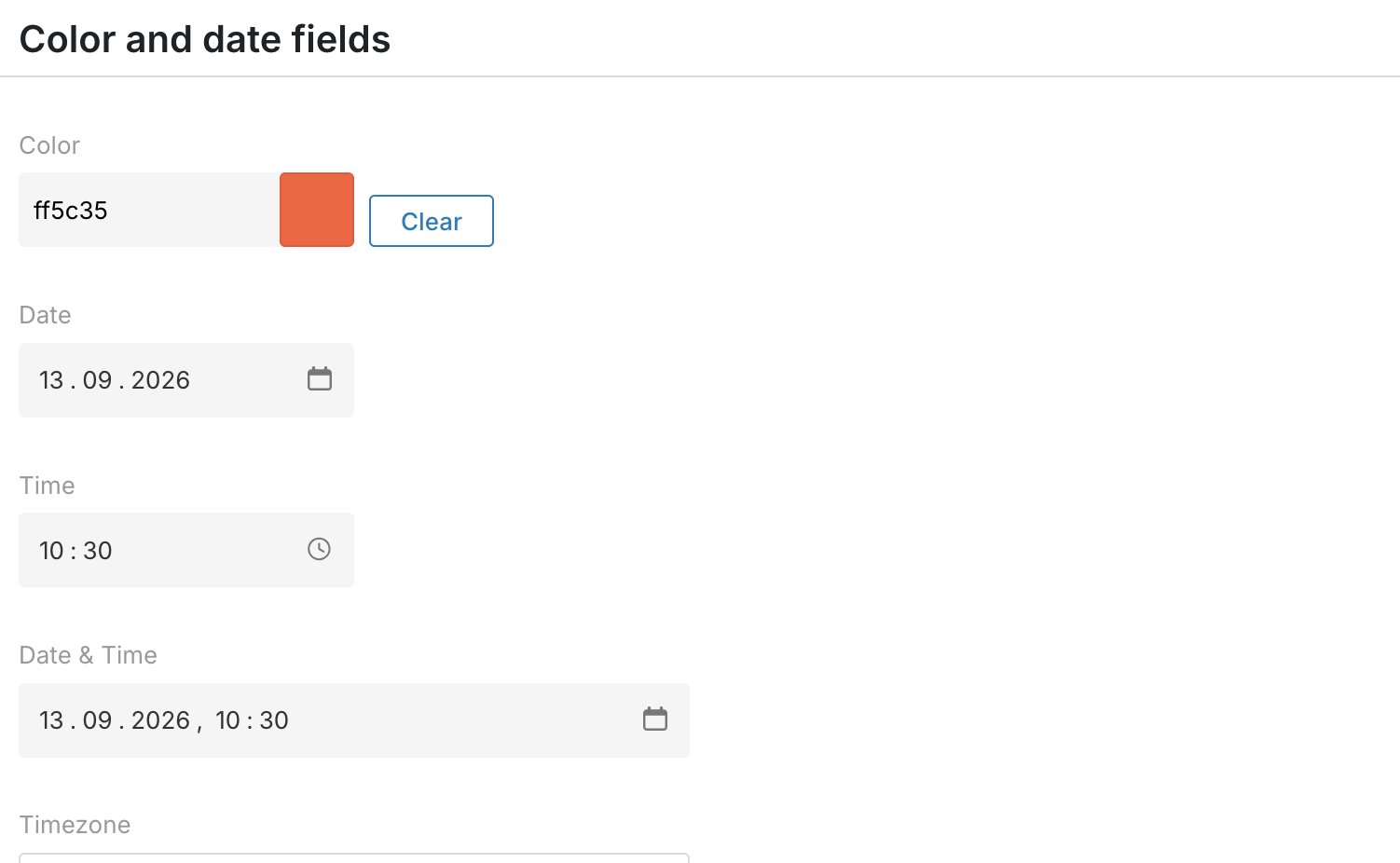
Use it together with the Gridder
Insert the finished Custom Element into the Gridder and continue building the rest of the page with the normal Lay Theme tools. AI Mode is optional: use Claude for the parts that need something more tailored.
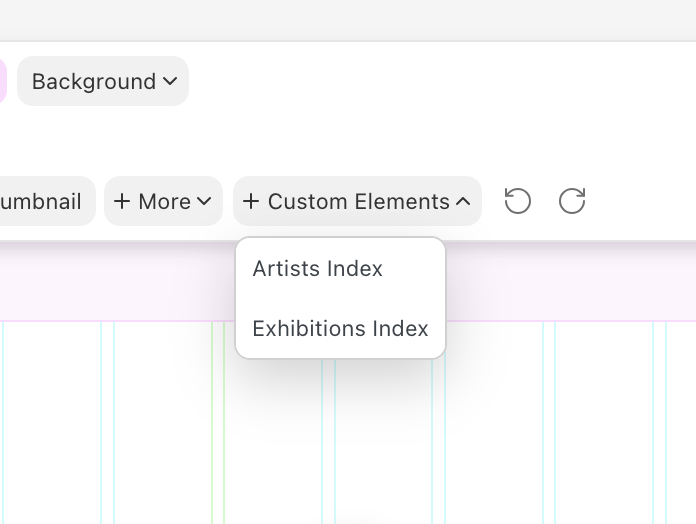
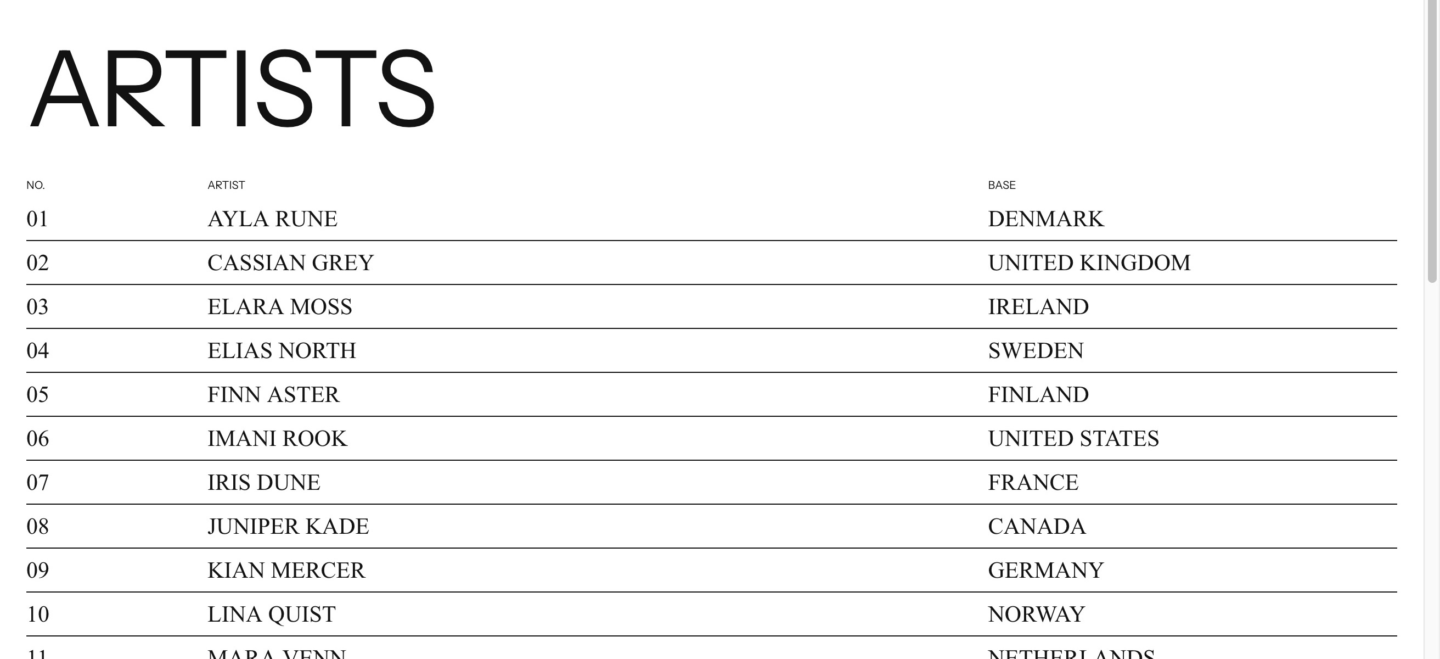
A real website built with AI Mode
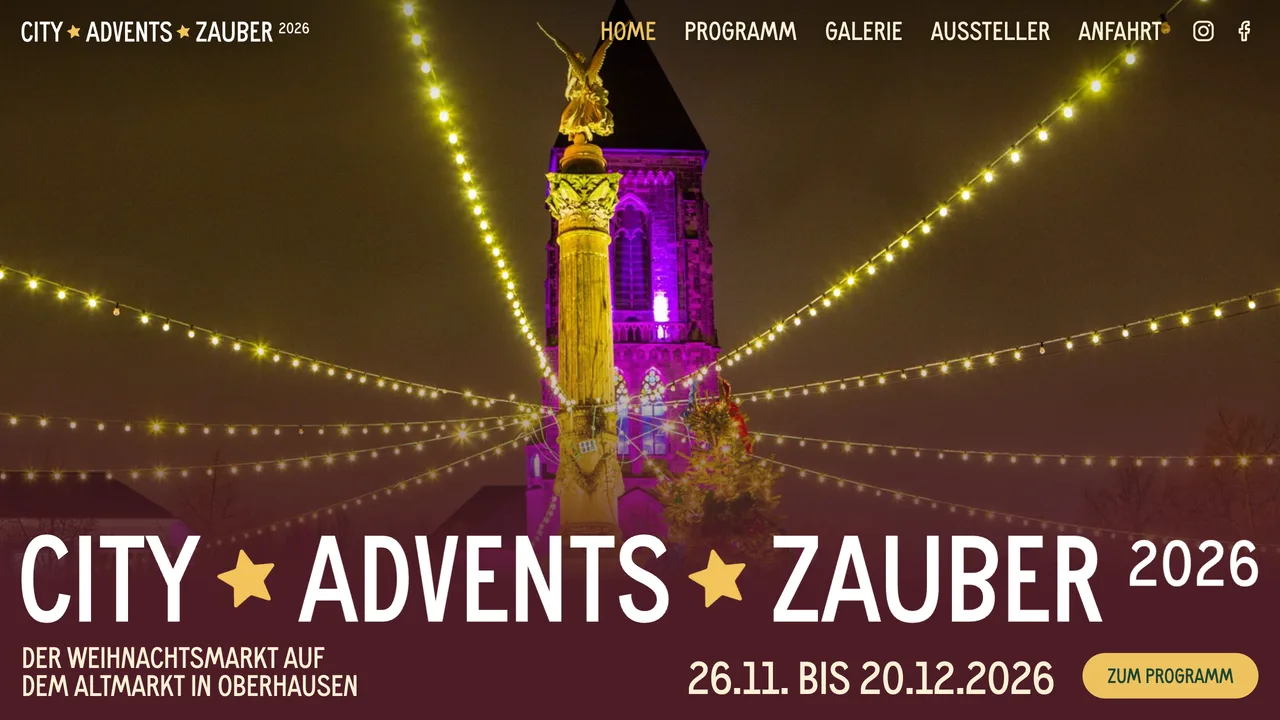
City Advents Zauber was built entirely with Lay Theme AI Mode. It shows how a tailored design and an editable WordPress backend can work together.
More things Claude can do in Lay Theme
Create Custom Views and Custom Fields, turn an existing Gridder layout into an edit form, migrate project content or reuse a finished layout to create more pages. Start with one example, check the result and then scale the workflow.
Resources
Connect Claude to Lay Complete AI Mode Tutorial Figma to WordPress Build a Website with AI Get Lay Theme