Multiple Menus
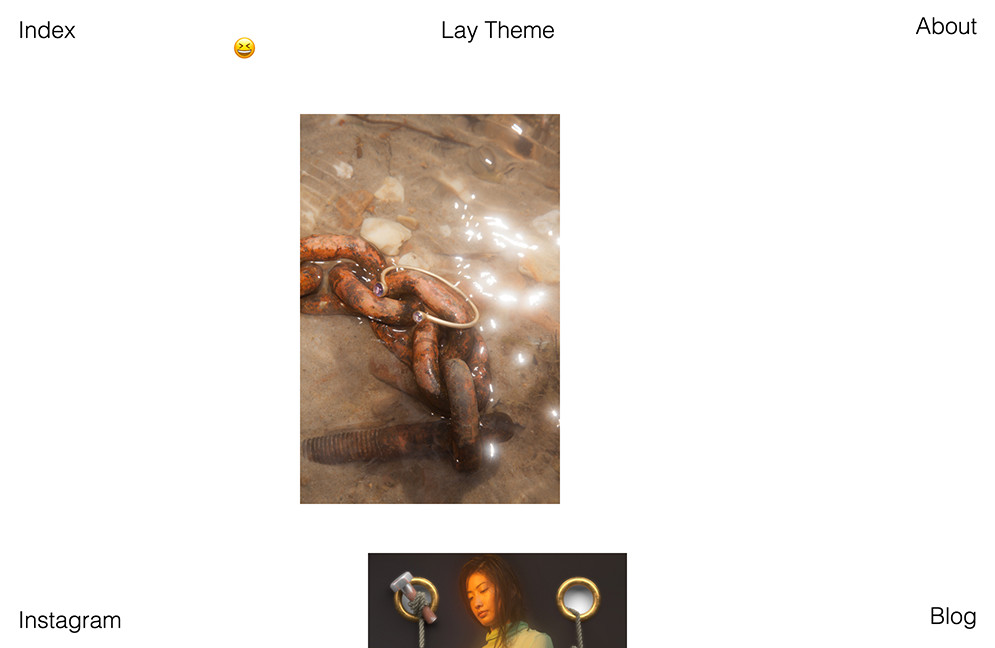
You can for example have 4 menus in each corner like here.
Go to "Lay Options" and for "Menu Amount" select the amount of menus you want to use (up to 4).
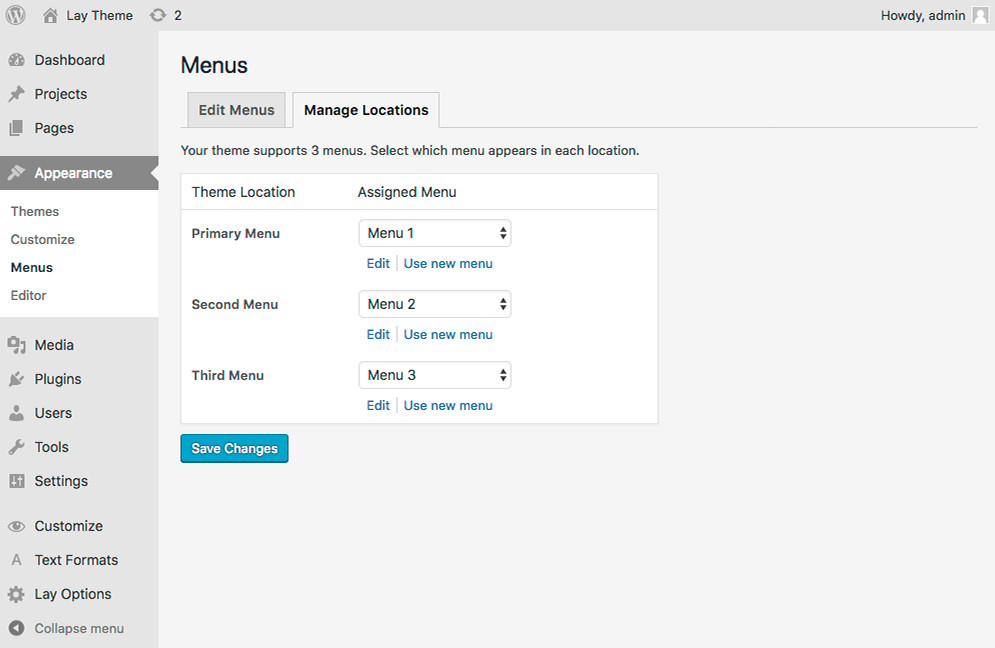
Now go to "Appearance" → "Menus" → "Manage Locations". Create new menus and assign them to the locations.
In "Customize" → "Menu Style" you will now see panels for "Primary Menu", "Second Menu", "Third Menu" etc. Use the controls in these panels for the menu´s appearance.
Your mobile menu will contain all the menu points of all of your menus in sequential order.