AI Mode
AI Mode lets Claude or Codex build custom Lay Theme websites with Custom Fields, Custom Elements and Custom Views.
The main benefit is that a custom design and its code can become a structured, reusable website that stays easy to edit in WordPress. AI Mode can:
- Create Custom Fields that give editors simple, purpose-built content forms.
- Create reusable Custom Elements and automatic Custom Views for completely custom frontends.
- Inspect and manage the rest of the Lay Theme website, including Gridder layouts, content, menus, settings and media.
Start with the AI Mode tutorial. It explains the recommended workflow and shows how to connect Claude or Codex, work from a design and keep content editable. This documentation is the shorter, complete technical reference.
Use Capabilities for the full list of supported website operations, WordPress Admin to understand every screen added to the dashboard, and Why AI Mode for the bigger picture.
Enable AI Mode
Open Lay Options in the WordPress admin and click the AI Mode flower near the bottom of the page. Click Enable AI Mode. The new AI Mode menu then appears in the WordPress admin for administrators.
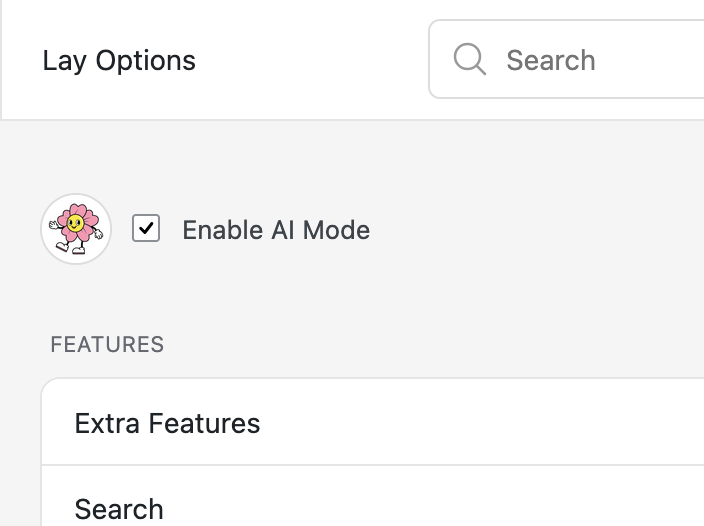
Enable AI Mode from Lay Options
Connect Claude or Codex
Open AI Mode → Connect & Tutorial. Connections use the Claude or ChatGPT desktop app.
- Local WordPress website: click Copy Browser Bridge instructions, paste them into Claude or Codex and open the Browser Bridge when requested.
- Online WordPress website: click Create direct connection, copy the instructions including the private key and paste them into Claude or Codex. A direct connection expires after 30 days and can be revoked at any time.
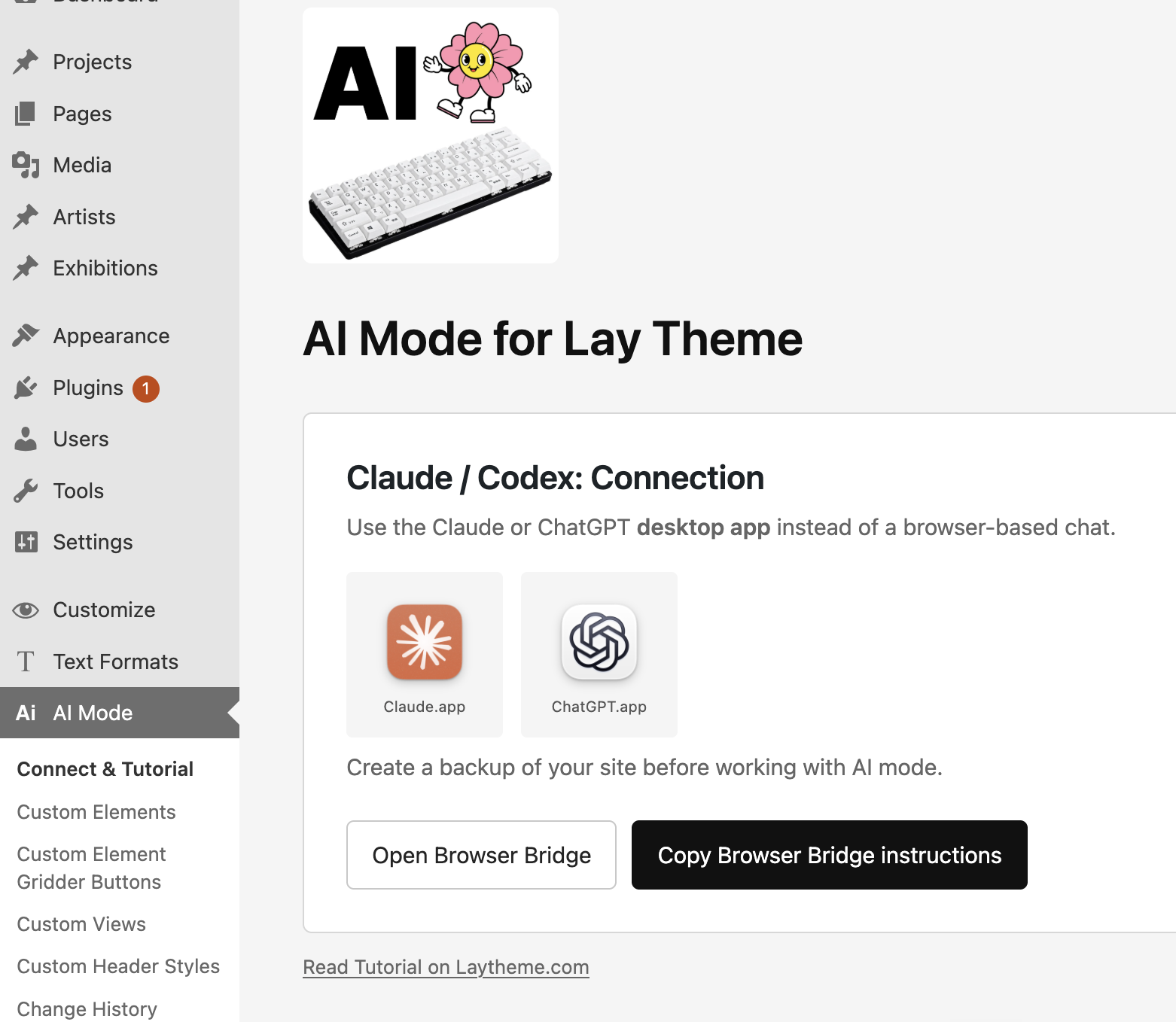
The connection screen adapts to local and online WordPress websites
Complete Reference
Capabilities lists everything AI Mode can inspect, create, update, validate and undo across content, the Gridder, Custom Fields, Custom Elements, site structure, design settings and media.
WordPress Admin explains Connect & Tutorial, Custom Elements, Custom Element Gridder Buttons, Custom Views, Custom Header Styles, Change History and Statistics.
Why AI Mode explains how Custom Post Types, Custom Taxonomies, Custom Fields, Custom Elements and Custom Views turn a custom design into a structured website that clients can maintain.
Related Guides: Claude to WordPress, Figma to WordPress and Build a Custom Website with AI.