Export and import Lay Theme settings
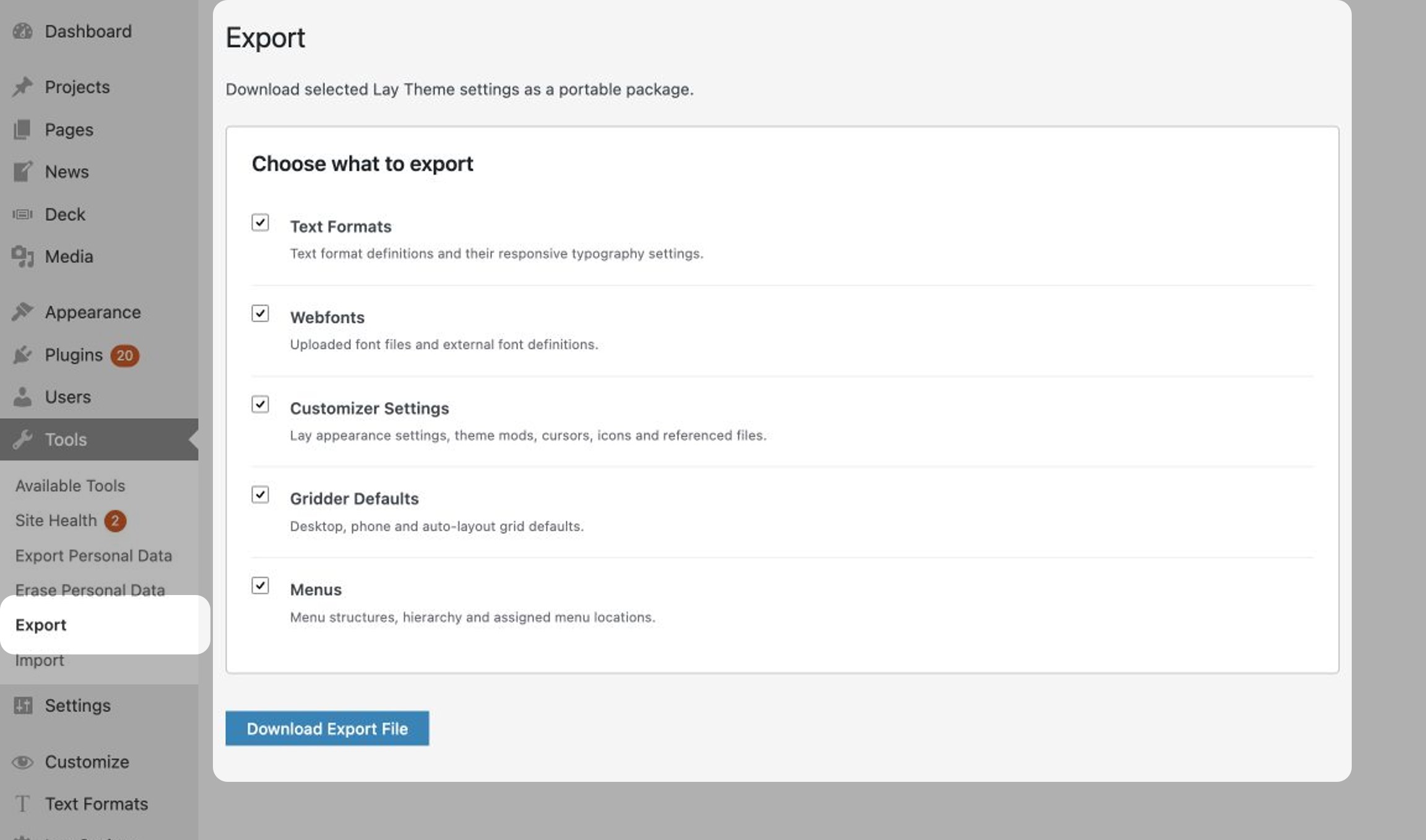
If you only want to transfer Lay Theme settings to another Lay Theme installation, go to Tools → Export.
Select the settings you want to transfer: Text Formats, Webfonts, Customizer Settings, Gridder Defaults and Menus. Then click Download Export File. Lay Theme creates a portable .laysettings.zip package.
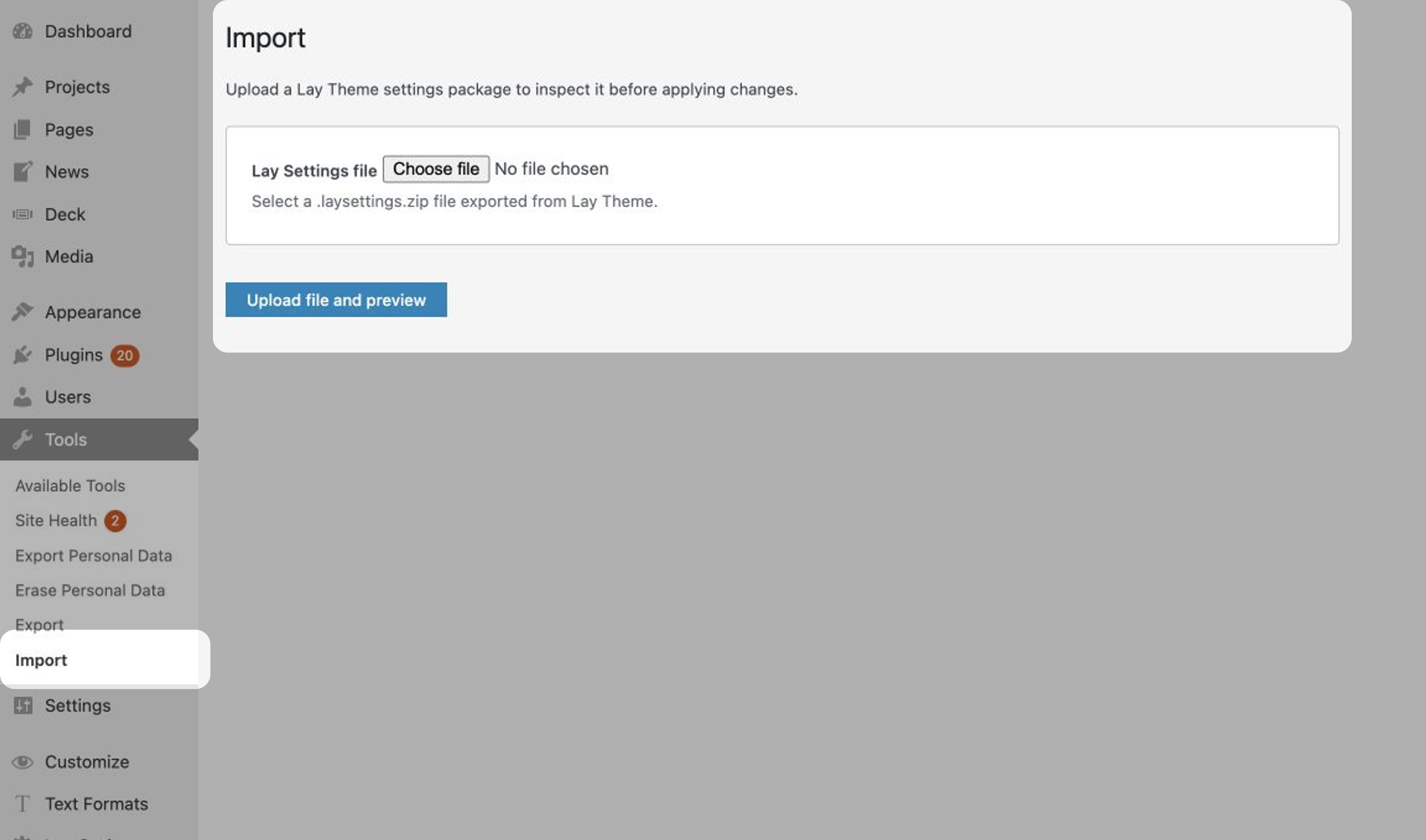
On the other Lay Theme installation, go to Tools → Import, choose the exported .laysettings.zip file and click Upload file and preview.
Lay Theme checks the package and shows you a preview. You can choose which available sections to import before applying any changes.
This transfers the selected Lay Theme settings and menus. It does not move your projects, pages or complete Media Library. To move the whole website, follow the Moving a Lay Theme Website instructions.